 Bleepingcomputer
Opera Launches Paste Protect to Combat ClickFix Attacks
Ask AI about this cluster
Analyzing cluster data...
Referenced clusters:
Something went wrong. Please try again.
Cluster AI
Ask questions about this threat cluster with AI-powered analysis.
Get Researcher $29.99/moArticle Content
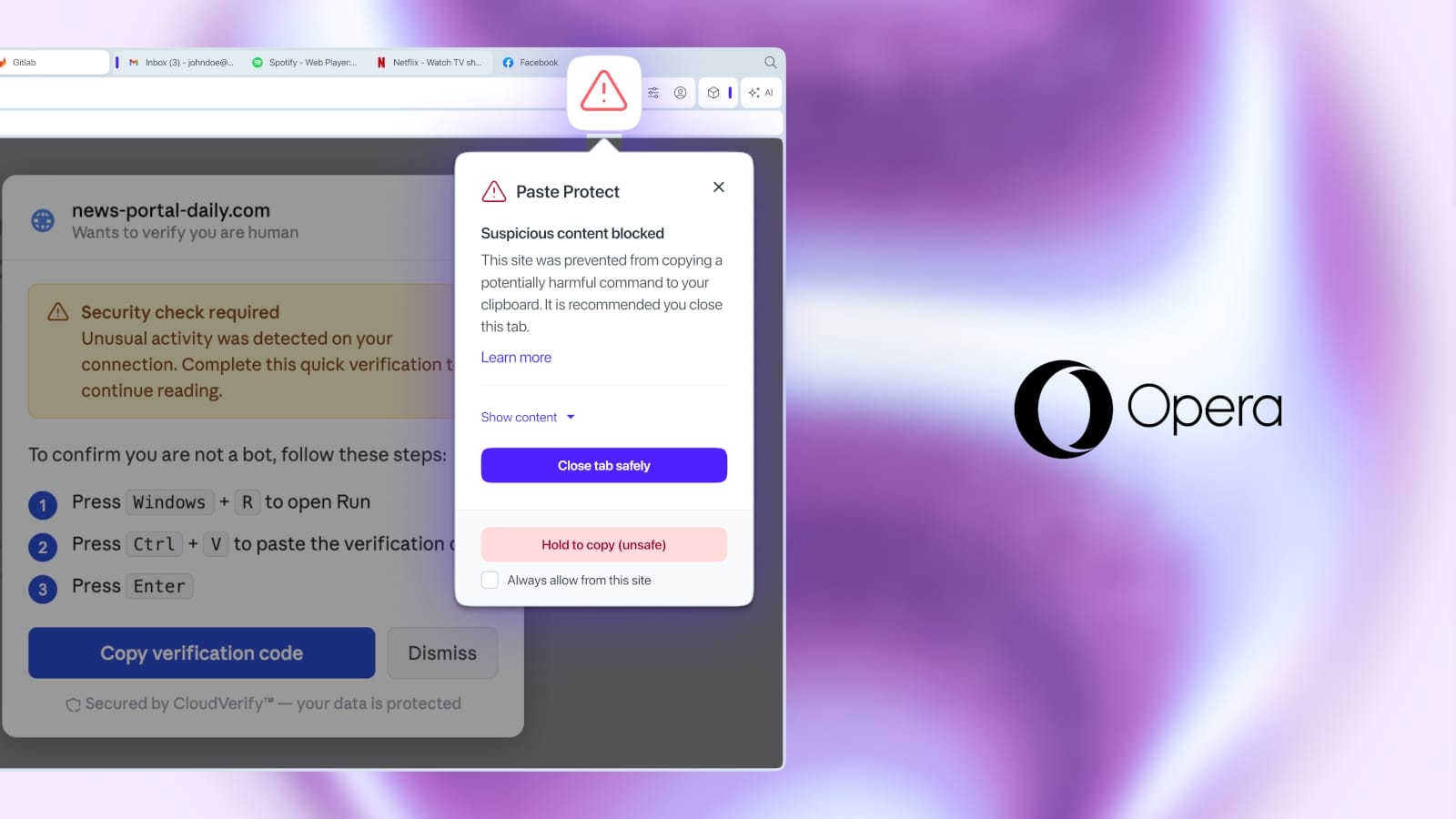
On July 2, 2026, Opera introduced a new security feature called Paste Protect to prevent clipboard hijacking and code injection attacks, specifically targeting ClickFix-style attacks. These attacks trick users into copying and executing malicious commands, often through deceptive prompts on compromised websites. Paste Protect is enabled by default in Opera's browser, providing proactive protection without user configuration. The feature integrates Hijack Protection, which prevents unauthorized modifications of clipboard content, and a new Injection Protection mechanism that blocks harmful commands before they can be copied. This initiative comes in response to the rising prevalence of ClickFix attacks, which accounted for over 53% of malware loader activity in 2025. Users are notified of blocked actions with contextual alerts, and advanced options allow for whitelisting trusted domains. The feature supports Windows, macOS, and Linux systems, enhancing user security across platforms.
Key Points: • Paste Protect is a new feature in Opera to prevent clipboard-based attacks. • The feature blocks ClickFix-style attacks, which trick users into executing malicious commands. • Enabled by default, Paste Protect uses Hijack Protection and Injection Protection mechanisms.