 Back Memeburn
Fully Automated AI Cyberattack 2026: What Google Just Found
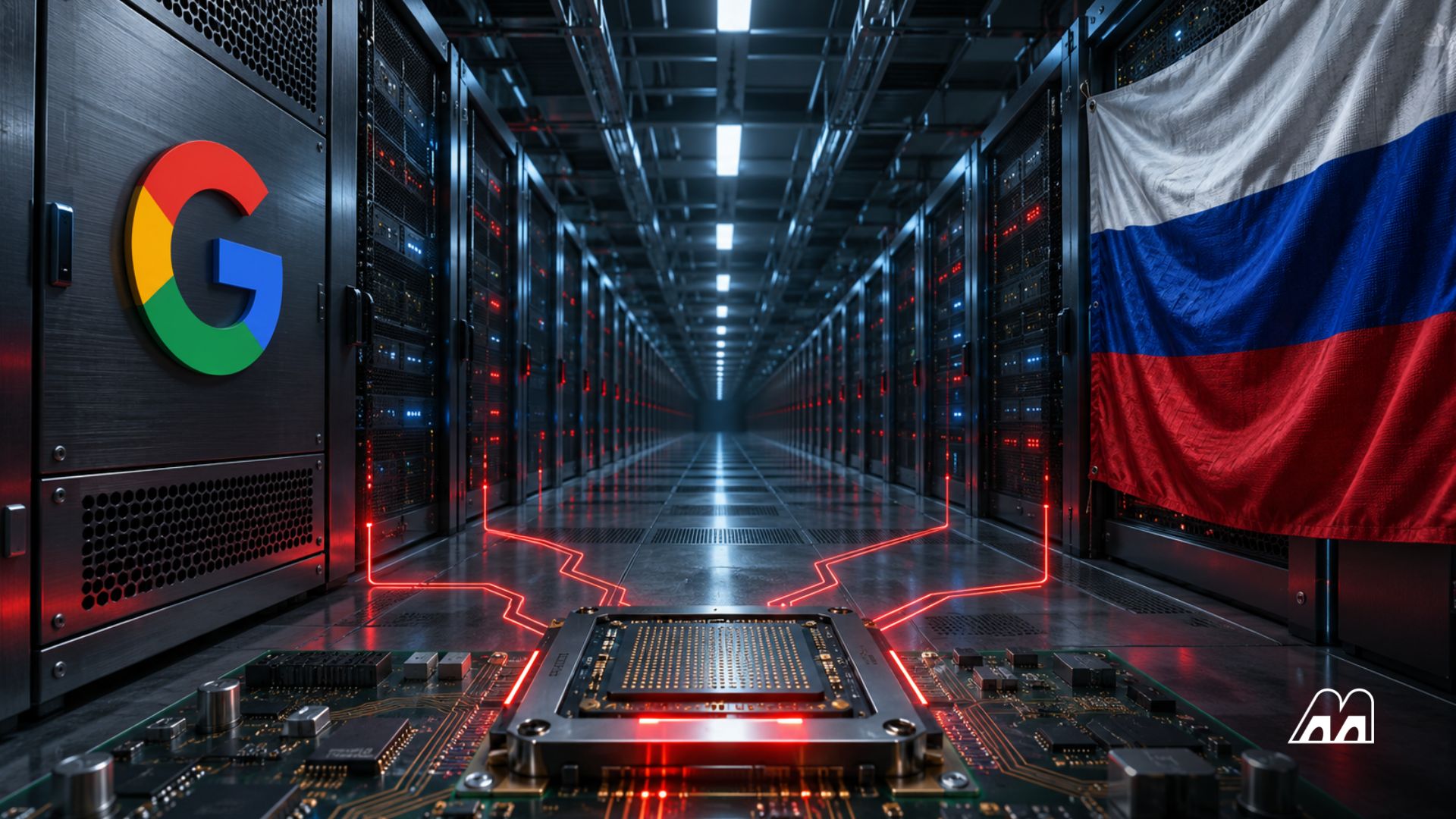
For years, security researchers have warned that AI would eventually run a hack from start to finish on its own. On November 16, 2026 , Google said that day has arrived. Its Google Threat Intelligence Group (GTIG) , working with its Mandiant incident response team, reported that attackers had used AI to “fully automate vulnerability discovery and exploitation without a human in the loop for the first time.”
If you’ve never followed cybersecurity, here’s why this matters. Until now, AI mostly helped human hackers work faster, writing phishing emails or cleaning up code. This is different: a machine picked the target weakness, built the attack and launched it by itself. Here’s what Google found, how quickly things changed this year, and the simple habits that protect you as attacks speed up.
Tradingview Promo Code
Unlimited advanced charts, indicators, and alerts. Step up your trading.
Code Valid: November 2026
Google’s researchers discovered an AI tool they call “exploit_agent” sitting on an exposed staging server , a computer the attackers used as a workshop and forgot to lock down. Here’s how it worked:
It watched popular web software for updates. When a company releases a security patch , a fix for a flaw in its software, the old and new versions of the code become public.
It compared the code before and after. Spotting what changed tells you where the hole was. Security people call this patch diffing .
It built an exploit. An exploit is a piece of code that takes advantage of a flaw. The AI wrote one for the weakness it had just found.
It attacked websites that hadn’t updated yet, then ran follow-up scripts on its own.
The system used several AI agents , programs that take actions instead of just answering questions, powered by a mix of leading commercial AI models and models run on the attackers’ own machines. Google didn’t name which models.
The server also held stolen victim data and scripts for scouting inside hacked systems, guessing passwords by brute force, and installing webshells , hidden back doors that let an attacker return to a hacked website at will. One script even deleted other hackers’ webshells, so the operator could keep compromised sites to itself.
Who was behind it? Google’s evidence is mostly Russian-language in the code, including a setup file telling the user to enter AI account keys for “auto-exploitation.” Google hasn’t named a group or a country. The victim data points to French websites in media, entertainment, and education , which suggests ordinary, often under-maintained sites rather than banks or governments.
From “Not Yet” to “It’s Here” in 69 Days
The most striking part of this report is how fast it arrived. Google publishes these findings roughly every quarter, and the 2026 timeline reads like a countdown.
A zero-day is a flaw attackers exploit before the software maker has fixed it, so there are zero days of warning. Google says it counted 22 exploited zero-days in August 2026 , up from 11 a month earlier in the year and an average of 8 a month in 2025 . By our math, that’s nearly 2.75 times last year’s monthly pace.
Why Security Patches Became the Attack Map
There’s an uncomfortable irony here. The patch that protects you also shows attackers exactly where to look.
Google’s researchers argue that already-patched flaws may be easier for AI to exploit than unknown ones, because the AI has a small, focused set of clues to study: the old code, the new code, the release notes, and any public research. That’s precisely the kind of narrow, well-defined puzzle today’s AI models are good at.
This changes the most important number in everyday security, the patch gap . That’s the time between a fix being released and you actually installing it. When humans had to reverse-engineer every patch, that gap might have been days or weeks before attacks started. With an AI watching updates around the clock, it can shrink to hours. Every website that waits until month’s maintenance window is now a target in the meantime.
The good news is that today’s tools are still clumsy. Google says these AI attack frameworks are noisy and leave traces that make them easier to catch. The bad news is that Google expects them to need less human help and become stealthier as they improve.
The Rest of the Report: Stolen AI Accounts and Booby-Trapped Coding Tools
exploit_agent grabbed the headlines, but two other findings matter for anyone who uses AI tools at work.
Hijacked AI accounts. Attackers are stealing cloud and AI login keys so they can run expensive AI models on someone else’s bill. Security people call this LLMjacking , after LLMs (large language models, the technology behind chatbots). Google says fraudulent charges in some cases topped $100,000 in a single day , and one attack used a flaw in LiteLLM, a popular tool companies use to route requests to different AI models.
Tampered coding assistants. A suspected North Korean group modified the settings files of Claude Code , an AI coding tool, inside target companies. Each time a developer launched the tool, it quietly downloaded a backdoor. North Korea-linked hackers have been unusually active this year, including the group the FBI blamed for the record Binance hack in October.
Google also tracked several off-the-shelf AI hacking frameworks in real attacks, including CAIRN , PentAGI , ARTEX , CyberStrikeAI and HexStrike AI , used by both cybercriminals and suspected China-linked spy groups. Some of these began as legitimate penetration-testing tools, built to help companies test their own defenses. Google says it disabled accounts and assets linked to misuse of its own Gemini models.
You don’t need to be a security expert to respond to this. Most of the protection comes from doing ordinary things faster.
If you use a phone and a laptop:
Turn on automatic updates for your phone, browser, computer, and router. The patch gap matters more than ever.
Use a password manager and two-factor sign-in. The attackers’ toolkit included password-guessing scripts, which fail against long, unique passwords and a second login step.
Install updates the same day when your phone says it’s a security fix. Apple’s recent iOS 27.2 update , for example, patched more than 160 security flaws.
If you run a website or a small business:
Use hosting that patches automatically, or set your site software and plugins to auto-update.
Check for unknown files and admin accounts. Webshells are designed to look harmless.
Assume that public-facing software is a target the day a fix is released, not the day you get around to it.
If your team uses AI tools:
Treat AI agent settings files like passwords. A changed configuration can turn a helpful tool into a back door.
Set spending limits and alerts on AI and cloud accounts, and rotate keys that might have leaked.
It’s tempting to read “fully automated AI cyberattack” as a sci-fi milestone. The more useful way to read it is as an arithmetic problem. Attackers have cut the time and skill needed to turn a patch into an attack, so defenders have to cut the time it takes to apply that patch. Google’s own detection shows AI works on defense too. Outside reviewers recently found 6 ways around OpenAI’s monitoring system for its own agents, a reminder that no AI-based safeguard is perfect on either side. This round goes to whoever updates first.
How do I turn on automatic updates?
On an iPhone, go to Settings, then General, then Software Update, and turn on Automatic Updates. On Android, look under Settings for System or Software update, since menus vary by brand, and turn on auto-updates for apps in the Google Play Store. On a computer, enable automatic updates for the operating system and your browser.
What is two-factor authentication, and which kind is best?
It’s a second check after your password, so a stolen password alone isn’t enough. Codes from an authenticator app or a physical security key are stronger than codes sent by text message, which can be intercepted through SIM-swap scams. Turn it on first for your email, bank, and cloud accounts.
A passkey replaces your password with a secret stored on your phone or computer, unlocked with your face, fingerprint, or PIN. Because there’s no password to type, it can’t be guessed or phished on a fake website. Google, Apple, Microsoft, and many apps now support passkeys.
Can AI help defend against cyberattacks too?
Yes. Security teams use AI to scan code for bugs before release, spot unusual behavior on networks, and sort through floods of alerts. Several tech companies now run AI tools that hunt for flaws in their own software. The race is who finds and fixes weaknesses first.
What should I do if my website gets hacked?
Take the site offline or put it in maintenance mode, then your hosting provider. Restore a clean backup, update all software and plugins, change every admin and database password, and delete unknown user accounts. Check for files you don’t recognize, since attackers often leave hidden back doors behind.
The full story
This article is one source in a clustered incident — the cluster page carries the summary, timeline and every other outlet covering it.
