 Back Stepsecurity
The Take-Home Test That Runs on Your Work Laptop: Inside the AccuraSoftHire Fake Interview Campaign
On November 3, Binance published its initial report on the October 29 theft of $6.34 billion from its hot wallets, which has been reported as the largest cryptocurrency theft to date. Binance says the FBI attributes the attack to North Korea. One of the first steps was a fake job interview. A software engineer was approached on a job platform by a "Project Director" at a company that did not exist. In the second interview, he was asked to download a coding assignment onto his work computer. The repository ran malicious code during setup, and Binance says its endpoint security tools did not detect it.
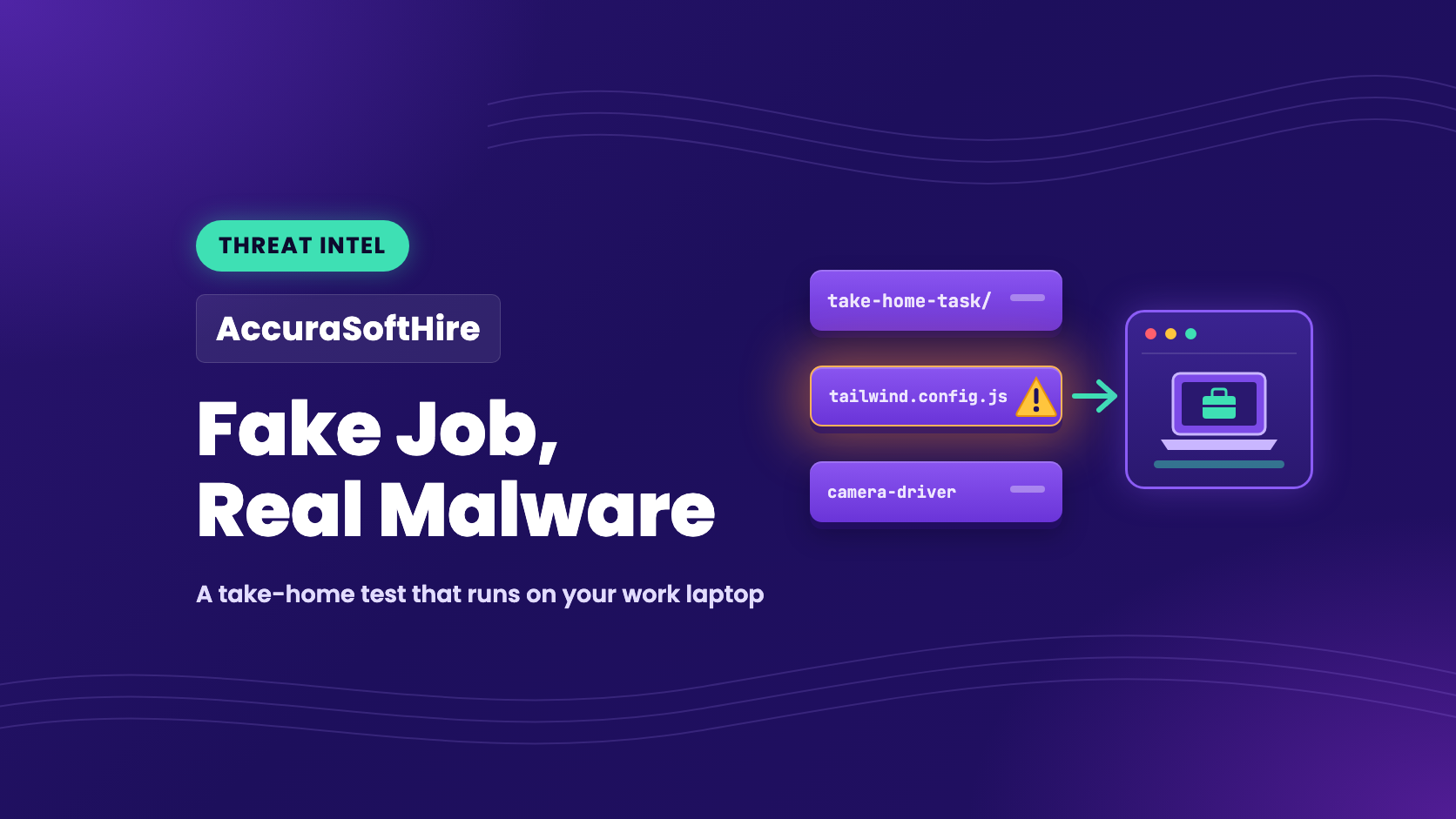
JFrog has since published research on a fake company set up to run the same kind of attack, called AccuraSoftHire . It had a careers site, job ads on Indeed and Glassdoor, recruiters with ID-verified profiles, and a take- test that loads malware. JFrog found no link between AccuraSoftHire and the Binance intrusion.
We checked the public records behind JFrog's findings and found two things its post does not cover:
Some of the poisoned packages stayed on npm for months. Two packages the interview task used were installable for five and seven months, until npm replaced them on November 12 and 13. npm recorded more than 4,000 downloads of the two this year.
The attacker's server history is public. The malware gets its server address from an Ethereum wallet. We decoded all 609 transactions the wallet has sent since July. They name eight servers, and the last one was posted on October 19.
Check your developer machines now
your developer machines for the npm packages in the IOC table , for .vscode/tasks.json files with "runOn": "folderOpen" , and for a browser extension loaded from a folder named job-new-alerts . Ask your developers whether anyone has run an interview assignment, or a "driver" or setup command from a recruiter, on a company laptop. If anyone has, treat every credential on that machine as stolen.
Why This Is a Problem for Employers
Fake job interviews are usually described as a risk to job seekers. Binance's report shows the risk to the employer. According to the report:
June: an engineer on the Wallet DevOps team searched for a popular AI coding tool and installed a tampered Homebrew installation. (Homebrew is a widely used package manager for macOS.) Binance's security team detected it, replaced the device and rotated his credentials, but his role and his colleagues on the wallet infrastructure team were already exposed to the attacker.
September: a second engineer, whose job-platform profile mentioned his Binance experience, was approached by the fake "Project Director". In the second interview he was told to download an assignment onto his work computer. The malicious code replaced the pyenv program under /opt/homebrew with a copy that ran the attacker's commands and connected to the attacker's server.
October 20: the attacker used the compromised computer and an internal AI tool to gain control over two more engineers, and found that one of them had a container deployment permission token on his computer.
October 29: the attacker reached Binance's internal wallet signing service and moved the funds.
Binance also says it detected and prevented 57 other suspected North Korea-linked cases this year, including fake job interviews, malicious software disguised as developer tools, compromised packages and browser extensions.
The problem is wider than one company. A joint advisory published on September 18 by the FBI, the US Department of Defense Cyber Crime Center, and agencies in Japan, Australia and Germany says North Korean actors running fake-interview campaigns infected at least 30,000 devices in more than 100 countries.
How the AccuraSoftHire Attack Works
JFrog's post describes the fake company in detail. AccuraSoftHire had a careers site with a leadership page and twelve open roles, ads on job boards, three profiles with government-ID verification badges, and a project manager with a GitHub account. JFrog tied that GitHub account to an npm account that published the malware, through an email address the two .
JFrog found three ways the company got candidates to run its code.
1. The take- test
The candidate is asked to finish a React landing page in ninety minutes. In the version JFrog shows, the project's Tailwind CSS configuration loads eleven plugins. Ten are real. The eleventh, tailwind-custom-forms , is a copy of the official @tailwindcss/forms plugin with a malware loader added to the end of the file. Other versions of the task used other look-alikes, including copies of Tailwind's line-clamp plugin.
The loader does not run during npm install , so tools that only check install scripts do not see it. It runs when Tailwind builds the CSS, which is the first step the task asks for. When npm removed one of these packages, the operator changed the task to use a new copy under a new name.
2. The camera "driver"
The application asks for a short verification video. Until the server marks a candidate as having installed a "driver", the camera check always fails with a message saying the system does not have a compatible camera environment. A separate "Technical onboarding" page on the site gives a one-line curl command to download the "driver". On Windows, the downloaded installer fetches a script from the careers site that installs Node.js if it is missing, downloads a JavaScript payload, runs it in the background and deletes itself. The macOS and Linux versions do the same.
3. The "job alerts" browser extension
A third page tells candidates to load a Chrome extension by hand: turn on Developer mode, choose "Load unpacked", and pick a folder named job-new-alerts . It then has them run a PowerShell script from the site. That script registers a small helper program that Chrome and Edge are allowed to start (a "native messaging host" named com.accurasoft.jobalerts ), and offers a scheduled task that contacts the site every five minutes. The helper can download and run a command from the site. When JFrog tested it, the final step ran an empty program, so JFrog could not tell whether this path was ever used to deliver malware.
JFrog found that the camera payload contains the same loader as the Tailwind look-alike packages. The loader reads the attacker's server address from the Ethereum blockchain, downloads two more stages from that server over port 443 without encryption, decodes them and runs them. Researchers track this loader family as PolinRider. OpenSourceMalware reports that infected machines lose browser credentials, cryptocurrency wallet data, SSH keys, cloud credentials and git credentials. The malware then uses the git credentials on the machine to add the same loader to the victim's other repositories, rewriting commits so the change keeps its original date.
Some of the poisoned packages stayed on npm for months
JFrog writes that npm takes each look-alike package down within days of a report. We checked every package on JFrog's list against the npm registry on November 13. All of them are gone: scrollbar-hide-plugin was unpublished, and the rest have been replaced with npm's 0.0.1-security placeholder. The registry's publish records show how long each one was available:
All dates are in 2026, from the npm registry's publish records as of November 13. Download counts are from the npm downloads API for January 1 to November 13, and include registry mirrors and security scanners, so they overstate real installs.
JFrog lists tailwind-lines-clamps , tailwind-clamps-line and tailwind-lineclamp among the packages the interview task used. JFrog also reports that the oldest version of the task, created on April 20, used a line-clamp look-alike published four days earlier. tailwind-lines-clamps was published on April 16 and stayed on npm until November 13. npm recorded between 243 and 326 downloads of it in each full month from May to October.
We do not know why some of these packages were removed within days and others stayed for months. The difference matters for defense. A cooldown that blocks packages published in the last few days would have held back most of the short-lived ones, but not the two that lasted months. Finding those depends on knowing which packages are installed on your developers' machines.
The attacker's server history is public
The loader does not contain its server's address. It reads the most recent transaction sent from the Ethereum wallet 0xa322E5f3D311D3080e6f0121063e9aDC2490Ef1a and decodes the server address from the transaction's recipient field. The recipient is not a real account. Its first eight bytes are two IP addresses (in practice, the same address twice), followed by the text helloipbot!! . OpenSourceMalware described this technique in August, named it NullReceiver, and published this same wallet. To change servers, the attacker only has to send a new transaction. No package needs to change.
Because every transaction is public, the full history can be read from Blockscout . As of November 13, the wallet has sent 609 transactions, starting on July 25. All but one carry no ETH. The wallet repeats its current server every few hours (the median gap is 3 hours 20 minutes). Decoded, the history is:
The date ranges for 193.247.144.38 , 166.88.134.75 and 91.218.183.174 overlap because the wallet alternated between them. Two other transactions, one on July 25 and one on October 14, each decode to two different addresses instead of one address repeated, and one of those addresses is in a reserved range that cannot be reached. They are left out of the table.
What this means for defenders:
Block and for all eight addresses. The camera payload JFrog analyzed was pointed at 103.179.142.155 , the newest address. A machine infected before October 16 would have contacted one of the older ones.
The wallet has posted nothing since October 19. A loader running today would still be sent to 103.179.142.155 . If the operator has moved to a different wallet, its transactions would not appear here.
The same kind of loader is not limited to fake interviews. In early November, malicious versions of established npm packages such as @adminide-stack/utils and cdeops were published, and GitHub flagged them as malware on November 4. The OpenSSF malicious packages entry for @adminide-stack/utils describes code added to the end of the package's main file that labels itself A10-npm_inject and reads public Ethereum endpoints to find its stage.
A developer does not have to apply for a job to receive this kind of loader. Installing a hijacked version of a legitimate package is enough.
The careers site is offline
As of November 13, accurasofthire.com no longer resolves. Its registry record shows a "client hold" status, parking name servers, and a last change on November 11. JFrog reports that the company's two GitHub hiring accounts are hidden. Taking the site down does not end the operation. JFrog found that the take- task first appeared in April under a different hiring account, before AccuraSoftHire had a recruiter or a job ad. The same kind of loader also turned up in this month's package hijackings.
Why the Usual Defenses Miss It
No install script. The loader runs when the project builds, when the candidate runs the "driver" command, or, in other PolinRider infections, when VS Code opens a folder with an auto-run task. Tools that only watch or disable npm install scripts do not see any of these.
No hard-coded server. The server address comes from the blockchain and changes whenever the attacker sends a new transaction, so a block list built from one sample goes out of date.
Code that is easy to miss. The loader is added to the end of a real plugin file or build config, often after a long run of spaces that pushes it off screen in an editor. In repositories it spreads to, the commit that adds it keeps its original date, so git log looks normal.
A company that passes a candidate's checks. JFrog points out that the site, the job ads, the badges and the GitHub activity are the cheapest parts to build, and were built first.
How StepSecurity Helps
This table maps each step of the attack to the StepSecurity feature that covers it:
1. OSS Packages: find the look-alike packages
The packages are gone from npm, but copies remain in the node_modules folder of any project that installed them, and the loader runs again each time that project builds. OSS Packages in Dev Machine Guard inventories npm packages on every enrolled developer machine, including direct dependencies of projects as well as global installs. In the advanced , add each package from the IOC table with Add Package and all devices at once. Each result shows the device and the project path where the package was found.
2. Suspicious Files: find files that run code when a project opens
The loader does not only arrive as a package. In other PolinRider infections it sits in a .vscode/tasks.json task set to run when the folder opens, in a "font" file that is really JavaScript, or at the end of a build config. These files are how the malware spreads from one infected repository to the developer who clones it.
Suspicious Files scans enrolled developer machines for files flagged by detection rules that StepSecurity writes and updates centrally. The rules cover editor and AI-tool configuration files that run code when a project is opened, including .vscode/tasks.json with runOn: folderOpen . Each finding shows the device, the file path, the campaign, and which conditions of the rule matched.
3. Browser Extensions: find extensions that did not come from a store
An extension loaded with "Load unpacked" has not been through a store's review. Browser Extensions lists the extensions installed in Chrome, Edge and Firefox across your fleet, with the permissions each one holds. The store filter has Self-hosted , No store and Unknown options for extensions whose marketplace origin could not be confirmed. You can also by extension name or ID.
4. Credentials: know what to rotate
At Binance, the attacker found a deployment token on a second engineer's computer and used it to reach the wallet systems. PolinRider collects the same kind of material. Credentials shows which of thirteen credential sources are present on each machine, including cloud credentials, SSH keys, the git credential store, GitHub CLI tokens, npm and PyPI tokens, Docker and kubeconfig, and which are stored in plaintext. The check runs on the machine, and no credential value is sent off it. If a machine turns up in any of the searches above, its credentials list is the list of what to rotate.
5. Secure Registry: hold back newly published packages
Secure Registry has a cooldown setting that blocks package versions published within a set number of days. With a cooldown longer than a package's time on npm, the look-alikes that lasted only a few days would never have reached a developer machine. As the table above shows, a cooldown would not have stopped tailwind-lines-clamps or tailwind-lineclamp . Package Configs in Dev Machine Guard shows which machines resolve packages through your registry with a cooldown in effect.
6. Malicious Files for GitHub: check your repositories
If an infected developer has push access to your repositories, the malware can add its loader to them and keep the commit's original date. Malicious Files for GitHub scans every file version in a repository's history, across branches, pull requests and tags. Each finding names the commit and author that introduced the file, which points to the account whose credentials were used.
7. Harden-Runner: watch the build
If a poisoned package or config reaches a repository, the loader runs in CI the first time the project builds. It makes two kinds of connection a frontend build would not normally make: a request to a public Ethereum endpoint such as eth.blockscout.com to read the wallet, and a plain HTTP connection to a bare IP address on port 443. Harden-Runner flags outbound calls that are not in a job's baseline in audit mode, and blocks them with an egress allowlist.
Where these features stop
The Dev Machine Guard features above report what is on a developer machine: packages, files, extensions and credentials. They would not have caught the moment the "driver" command ran, or the pyenv replacement at Binance as it happened. Endpoint security software covers that. Dev Machine Guard answers the questions that follow: which machines have the package or file, what credentials those machines hold, and where else to look.
Set a policy for interview tasks. No coding assignments, "drivers" or setup commands from outside the company on work machines. Developers who take interviews should use a separate virtual machine with no tokens, SSH keys, wallets or browser profiles on it.
Turn off automatic tasks in VS Code. Set task.allowAutomaticTasks to off , keep Workspace Trust enabled, and open unfamiliar projects in Restricted Mode. Read .vscode/tasks.json before trusting a folder.
your developer machines for the packages, files and extension in the IOC table.
your network logs for connections to the eight server addresses, and for requests to /0x/cls or /0x/ls or with a Sec-V header.
If you find an infection, rotate every credential on the machine and check your repositories. OpenSourceMalware reports that wiping the laptop alone often does not stop reinfection, because the loader may already be in repositories the developer will open again.
Indicators of Compromise
Sources are marked in each row. "Our analysis" means the Ethereum wallet and npm registry checks described above, as of November 13.
JFrog Security Research: Contagious Interview: One Interview Away From Infection
Binance: 29 October 2026 Binance Security Incident: Initial Findings and Response Update
BleepingComputer: North Korean WaterPlum hackers infected 30,000 devices worldwide
OpenSourceMalware: NullReceiver and A Developer's Guide to Getting Rid of PolinRider
OpenSSF malicious packages database: MAL-2026-18643 (@adminide-stack/utils)
Blockscout: the attacker's wallet
The full story
This article is one source in a clustered incident — the cluster page carries the summary, timeline and every other outlet covering it.
