 Cyberkendra
PowerShell Script Signing Issues After November 2026 Update
Article Content

- •Microsoft's update KB5132061 enforces stricter PowerShell script signature validation.
- •Scripts with malformed UTF-8 encoding now fail verification and report as unsigned.
- •No CVE is associated with this change, and no opt-out option is available.
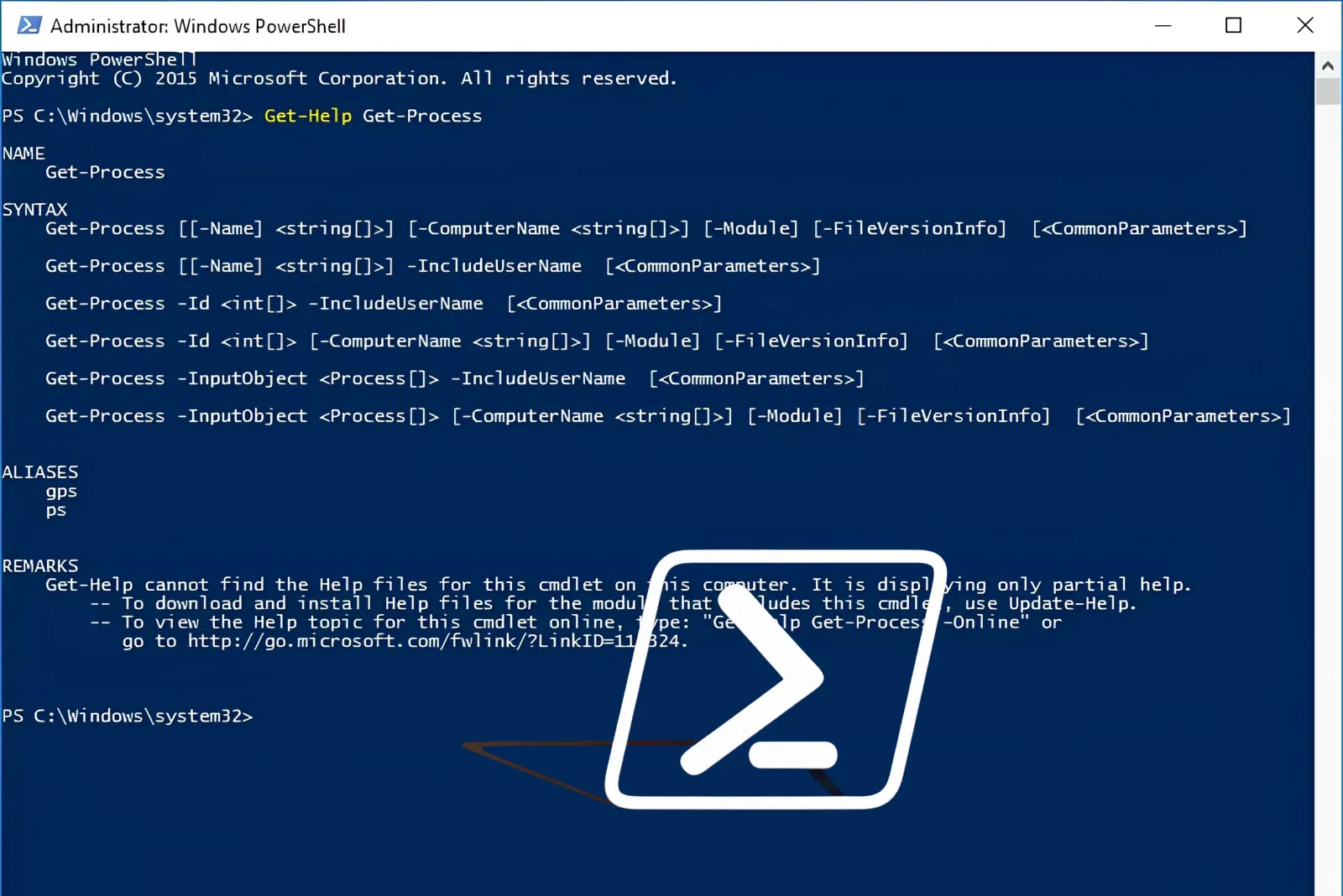
Microsoft's November 10, 2026, Windows update KB5132061 introduced stricter validation for signed PowerShell scripts, causing some previously valid scripts to fail verification. This change affects scripts with malformed UTF-8 encoding, which now report as unsigned. Microsoft confirmed that no CVE is associated with this update, and there is no opt-out option available. Affected systems include Windows 11 versions 23H2 to 26H2, Windows 10 Enterprise LTSC 2021, and Windows Server 2016 to 2025. Administrators are advised to review and re-sign affected scripts, ensuring they are saved as UTF-8 with a byte-order mark. The update has implications for environments enforcing strict script signing, such as scheduled tasks and deployment pipelines, where unsigned scripts will not execute.
Ask AI about this cluster
Answers cite the sources they use
Timeline
More articles in this cluster (2)
Following this threat?
Track Microsoft in your own feed — you're alerted when they show up in new reporting, leak sites or exploitation.
Free account · no card needed
Common questions
Which Windows versions are affected?
What should I do if my scripts are failing?
Is there a workaround for this issue?
Continue Reading
 Critical RCE Vulnerability in Confection WordPress Plugin (CVE-2026-115252) A critical vulnerability, CVE-2026-115252, has been identified in the Confection WordPress Cable plugin, affecting versions 0.4.0 to 0.4.7. This flaw allows unauthenticated attackers to execute arbitrary PHP code on the server by writing unmodified settings into a PHP file without proper checks. The vulnerability has…
 Critical Code Injection Vulnerability in Staggs Plugin for WordPress A critical code injection vulnerability, CVE-2026-78287, has been identified in the Staggs plugin for WordPress, affecting versions up to 3.3.0. This flaw allows unauthenticated attackers to execute arbitrary code remotely, posing severe risks to affected sites. The vulnerability stems from improper control over code…