From sector targeting to SIEM queries.
Pick the industry you defend. Get a live threat model with every actor, malware family, technique, and tool that touches it, then export the queries to run in your SIEM.
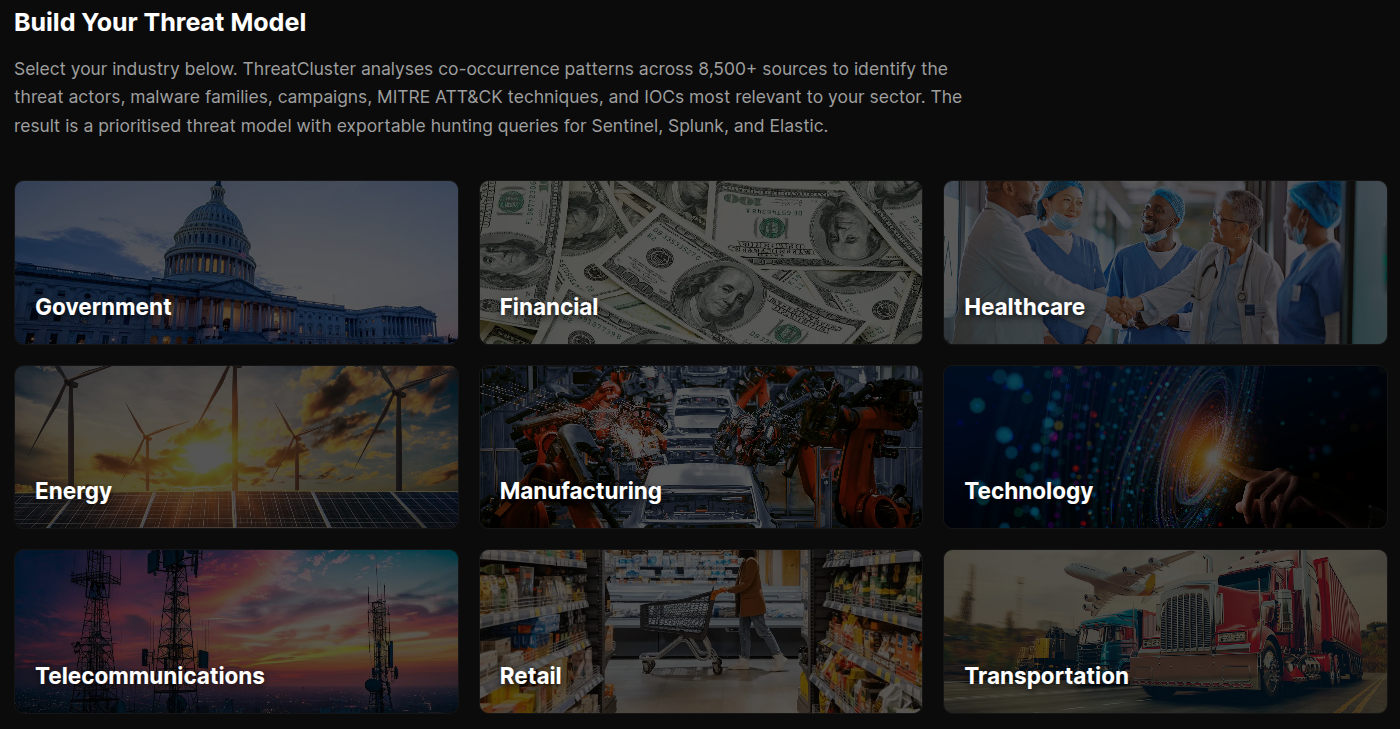
Pick a sector. Get a live threat model.
Seventeen sectors covered today, from financial services and healthcare to energy, manufacturing, and government. Pick yours and ThreatCluster builds the threat model from the live knowledge graph.
Every actor, malware family, campaign, tool, and MITRE ATT&CK technique that co-occurs with that sector in the cluster data shows up. No manual curation. When a new group starts targeting healthcare, it surfaces in the healthcare model on the next refresh.
- 17 industries, including CNI sub-sectors
- Live model rebuilt from the knowledge graph
- Co-occurrence sourced, not analyst-curated
 click to expand
Four views of the same model.
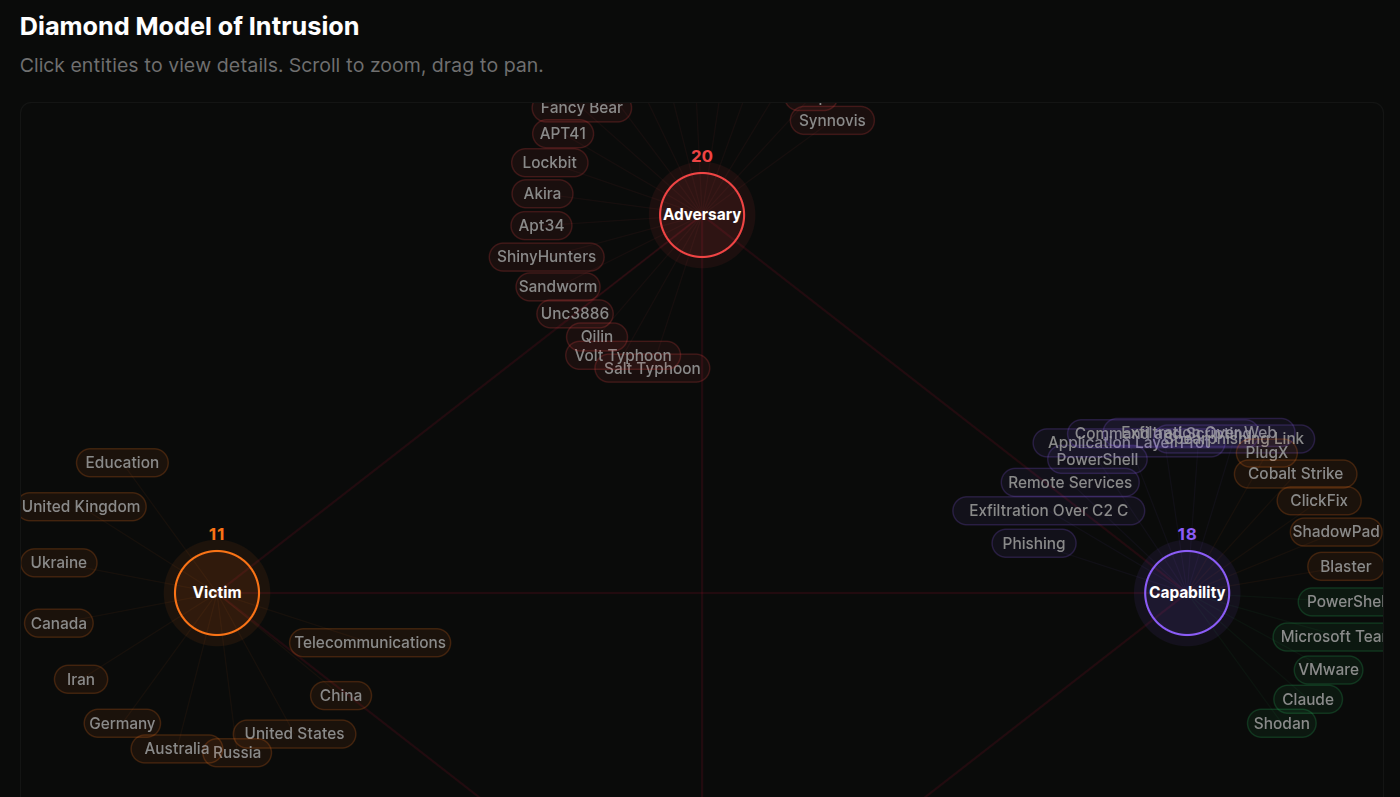
Overview shows actors, malware, campaigns, and a relationship graph alongside the consolidated IOC watchlist. Diamond Model renders the canonical intrusion picture with adversary, capability, infrastructure, and victim nodes.
ATT&CK Matrix lays every observed technique across the MITRE tactics columns, colour-graded by frequency, with sub-techniques toggleable. Tools & RMM Dashboard covers C2 frameworks, LOLBins, and remote access software used by the actors in the model.
 click to expand
Hunting queries in your SIEM dialect.
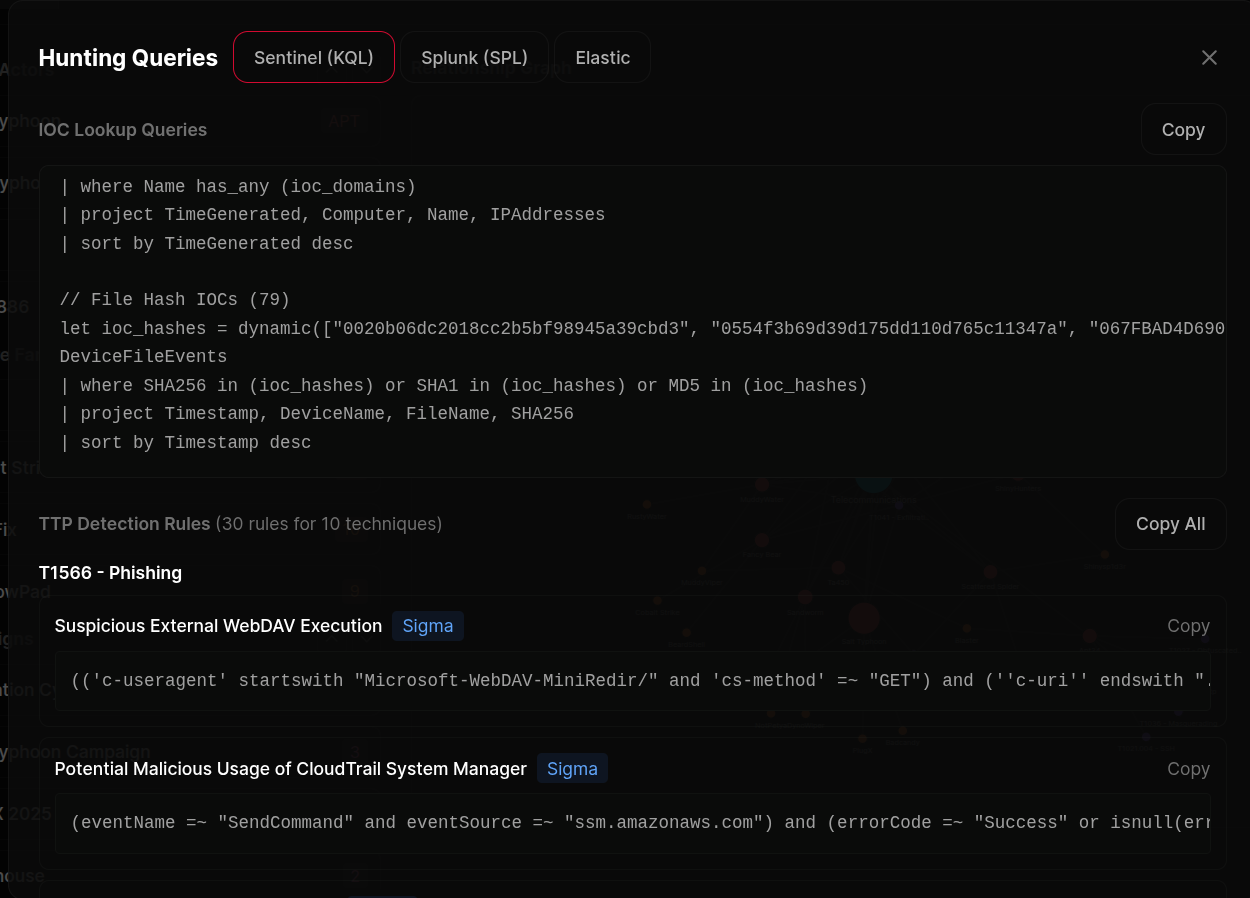
Export queries in KQL for Microsoft Sentinel and Defender XDR, SPL for Splunk, or Lucene for Elastic and OpenSearch. Two query types ship together for every export.
IOC queries are built straight from the live entity graph. No model in the loop, so nothing's invented. TTP queries come from SigmaHQ and the Microsoft Sentinel rule libraries, mapped to every technique in the threat model.
 click to expand
Hunt playbooks for the techniques that matter.
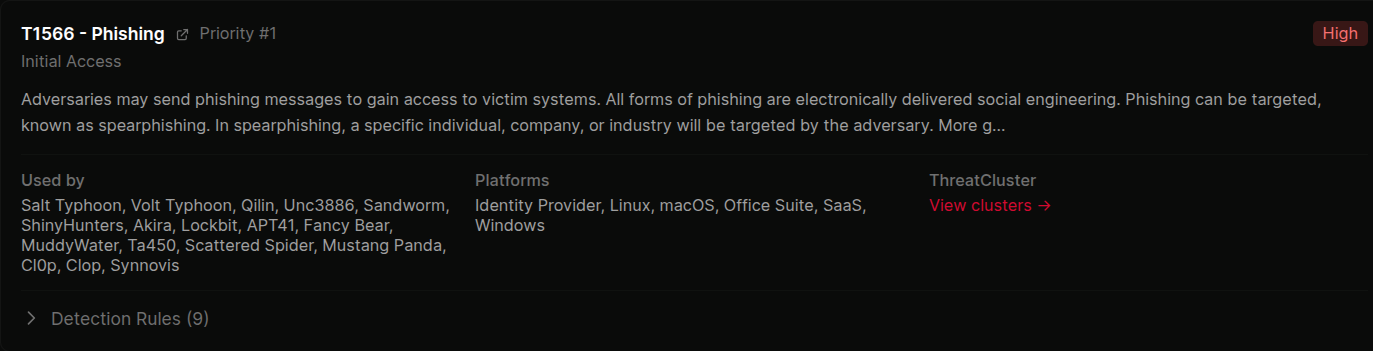
For the top 10 priority techniques in your threat model, the page renders a playbook block. The technique, what it looks like in practice, the actors and malware using it, and the curated detection rules already mapped to it.
Designed so an analyst can read the page top to bottom and walk away knowing what to hunt for and why. Source attribution on every rule. Severity grading carried through from the upstream library.
 click to expand
Export bar for the whole model.
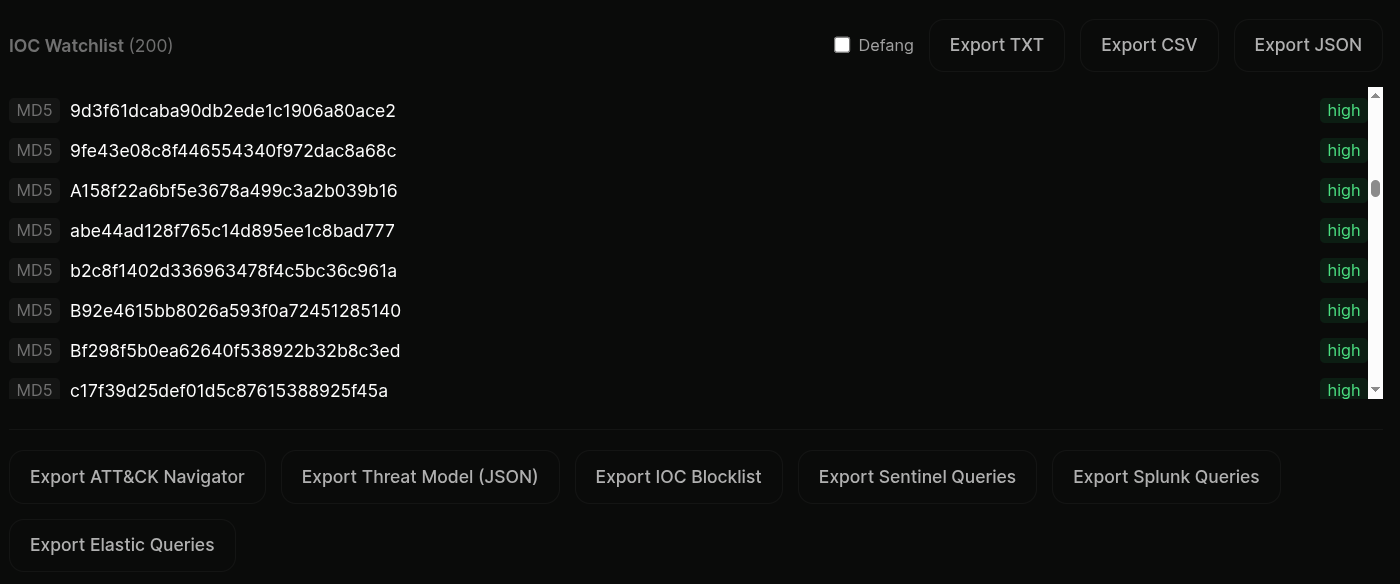
ATT&CK Navigator layer for visualising coverage in MITRE's own tool. Threat-model JSON for piping into internal systems. IOC blocklist as TXT or CSV for firewalls and proxies.
Plus the SIEM query exports for Sentinel, Splunk, and Elastic. Every export pinned to the timestamp of the underlying knowledge-graph snapshot, so you can replay "what did the model look like the day we hunted it".
 click to expand
More of the platform
- The Exploits DatabaseCVEs ranked by what defenders care about
- Exposure ManagementAsset inventory ranked by CISA SSVC
- Dark Web MonitoringIn-house collection across leak sites and forums
- IOCs and ExportsSTIX, MISP, SIEM ingestion
- CLI and HeadlessREST API, tc command, agent tool
- By industrySector landing pages: healthcare, financial services, manufacturing, telecoms
- For MSSPsPer-customer scoping across the platform
Threat hunting FAQ
What is a threat hunting model?
A per-sector view of who is likely targeting you and how: the active threat actors, their malware and tooling, the MITRE ATT&CK techniques they use, a Diamond Model and an ATT&CK matrix, all built from live clustering rather than a static report.
Which SIEM query languages are supported?
Hunt queries are generated in KQL, SPL and Lucene, so they drop into Microsoft Sentinel, Splunk and Elastic without translation.
Where do the hunt queries come from?
IOC queries are built directly from the entity graph with no model in the loop. TTP queries are drawn from SigmaHQ. The page tells you which is which, so you know which outputs to trust without checking.
Can I pick my sector?
Yes. Choose a sector and the model rebuilds around the threats specific to it. Sector landing pages for healthcare, financial services, manufacturing and telecoms link straight into their hunt model.
Can I export the model?
Yes. The whole model exports, and exports are timestamp-pinned so you can replay what the threat picture looked like on a given day.
Stop reading reports. Start running queries.
Pick a sector, get a threat model, export the queries. The page is free to open and the export is in your SIEM dialect by default.