 Back Hackernoon
 5 New Crypto-Stealing Malware Tactics You Need to Know
At this point, millions of people around the world own cryptocurrencies. As this continues to increase, unfortunately, so will the number of hackers and scammers trying to steal at least a minimal portion of our coins. They’ve been designing sneakier crypto-stealing malware, finding new ways to slip past all potential defenses.
This seems to be a never-ending cycle, so we need to pay attention to their latest tactics if we want to protect our wallets. Here are five new crypto-stealing malware threats worth keeping on your radar.
Two things stand out the Mars Stealer malware: anyone can buy it on the Darknet for $200, and it can evade two-factor authentication (2FA). Both of these features are bad news. It can spread through free file-hosting sites, torrents, peer-to-peer networks, third-party downloads, phishing emails, and compromised webpages. It’s often disguised as legitimate software, making one careless download enough to infect a device.
Once inside , like any other crypto-stealing malware, it starts looking for your coins immediately. It can extract memory data from crypto-wallet extensions and 2FA tools, collecting information such as crypto addresses, browser wallets, and private keys . All of this is sent to the operator, and then the malware uninstalls itself to avoid further detection. But, of course, it’s too late by that point: the hacker has everything they need to empty your wallets, and even carry out identity theft with your personal data.
Those not included, in a somewhat confusing turn of events, are Kazakhstan, Russia, Uzbekistan, Belarus, and Azerbaijan. If the malware detects devices from these countries, it uninstalls itself. You can come up with your own theories that.
The Infamous Florida Man
Perhaps you've already heard the infamous (and memeable) Florida Man . For some reason, there’s always a Florida man causing all kinds of crazy and criminal issues. Well, this year a Florida man, just 21-years-old, injected crypto-stealing malware into a bunch of free games he uploaded on the popular platform Steam.
Indeed, Zyaire Wilkins developed and the games from scratch along with some accomplices. The infected titles are BlockBlasters, Chemia, Dashverse (also known as DashFPS), Lampy, Lunara, PirateFi and Tokenova. Only BlockBlasters is connected to a theft of at least $150,000 in cryptocurrencies. In general, this trick ended up affecting around 8,000 devices, compromised 80 crypto wallets, and stole over $220,000 from victims. Wilkins’ investment of $10,000 on a Remote Access Trojan (RAT) paid off for a while.
Luckily for all Steam gamers, the FBI was able to track on-chain transactions back to the culprits, and they were arrested in July 2026. Sadly, this doesn't mean that other scammers won't try the same tactic in the future. Watch out what you play!
Malware in BNB Contracts
BNB Chain is a legitimate platform, but not everyone is using it for nice purposes. According to Microsoft Threat Intelligence, hackers inject JavaScript into compromised websites, which then contacts a BNB Chain gateway and retrieves commands from an attacker-controlled smart contract. This technique, called EtherHiding, makes the instructions harder to take down because they’re stored on-chain.
As an unsuspecting victim, you may visit a legitimate website that was compromised. Then, the hidden JavaScript contacts BNB Chain, retrieves the attacker’s instructions from a smart contract, and proceeds to show you a fake CAPTCHA box (“I’m not a robot”). Instead of asking you to identify traffic lights or vehicles, the CAPTCHA will give you malicious instructions to paste code into the PowerShell interface on Windows. This way, the malware reaches your device and starts stealing data and tokens.
Microsoft researchers discovered that this type of crypto-stealing malware is “targeting thousands of enterprise and consumer devices globally every day, while some malvertising chains can funnel visitors to scam pages.” It’s important to never paste random commands into Run, Terminal, PowerShell, or Command Prompt on Windows. This could be legitimately catastrophic.
Cryptojacking + Bad AI Recommendations
A cryptojacking instance happens when a device is silently infected by crypto-mining malware. This way, hackers use your device and electricity to create new coins for them. It’s an old trick, but it has new turns. As described by Microsoft, there’s a new cryptojacking campaign taking an unusual approach: instead of targeting as many computers as possible, it goes after users likely to own powerful GPUs.
Victims can encounter malicious links through poisoned results and potentially through AI chatbot recommendations for software downloads. This implies that the sources you ask for to your favorite AI chatbot may not be just hallucinations, but dangerous links filled with malware.
The damage can go far beyond a slower computer and higher electricity use. The attackers establish persistent remote access that could potentially support data theft, movement through a network, or ransomware . Microsoft identified more than 150 malicious domains connected to the campaign since March 2026, showing how broadly the fake-download operation had spread.\
More Browser Extensions
We’ve mentioned this before: browser extensions aren’t the most reliable things. In August 2026, the cybersecurity firm Socket discovered 19 malicious browser extensions, including 18 for Chrome and one for Edge. Some were created by the attackers, while others were purchased from legitimate developers and later updated with malicious code —meaning existing users could receive the dangerous version automatically.
One affected extension alone (Enable Right Click & Copy — Smart Unlock + OCR) had a potential exposure surface of around 80,000 users across Chrome and Edge. Once installed, the extensions secretly communicate with attacker-controlled servers and download additional malicious modules.
They can also remove browser security protections and inject harmful code into websites the victim visits. Then, depending on the module, the malware can target crypto wallets, exchange accounts, passwords, recovery phrases, and other sensitive information.
The potential damage is huge: attackers could drain wallets, steal credentials, hijack logged-in accounts, collect browsing data, or even display fake updates designed to trigger further infections. And because the campaign’s malicious features can change over time, a previously harmless extension could quietly become something far more dangerous.
Fight Against Crypto-Stealing Malware
As you can see, the threats lurking for crypto users are evolving, so staying cautious matters more than ever. A few habits can close many of those dark doors, without turning everyday crypto use into a cybersecurity marathon.
Be picky with downloads . Stick to official websites and trusted app stores, and stay away from cracked software, suspicious torrents, and random file-hosting pages.
You likely don’t need that browser extension. Really. Review what’s installed in your browser, check permissions, and remove extensions you no longer use. A familiar extension can also become dangerous after a malicious update.
Separate valuable crypto from daily browsing. Obyte users can follow the same principle by keeping their private keys offline with a simple textcoin .
Watch for unexplained resource spikes. If the CPU or GPU stays busy while the computer is idle, check what process is consuming those resources. Cryptojacking can run in the background and quietly use your hardware for mining.\
Use multisig for important funds, not only 2FA. Instead of putting everything behind one key, Obyte supports multi-signature wallets , which can require signatures from multiple devices and/or parties before funds move.
Never run mystery commands. If a website or fake CAPTCHA tells you to paste something into PowerShell, Terminal, or Command Prompt, stop there.
Keep everything updated. Operating systems, browsers, wallets, and security tools need current patches to block known threats.
Don’t be an easy prey for crypto-stealing malware. Keep your guard up, question suspicious software and links, and remember that one careless click can give attackers far more access than they deserve.
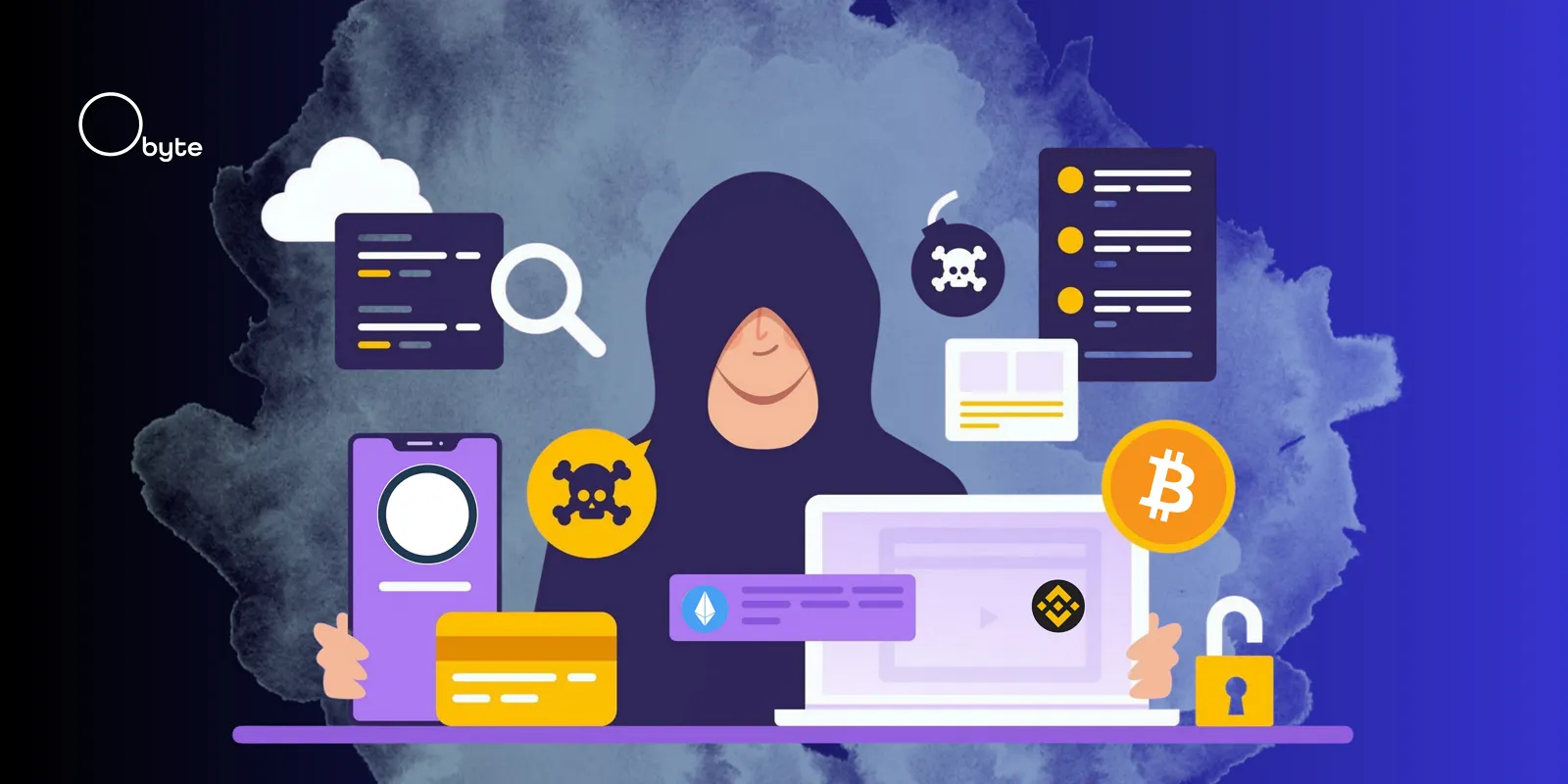
Featured Vector Image by Magnific
The full story
This article is one source in a clustered incident — the cluster page carries the summary, timeline and every other outlet covering it.
