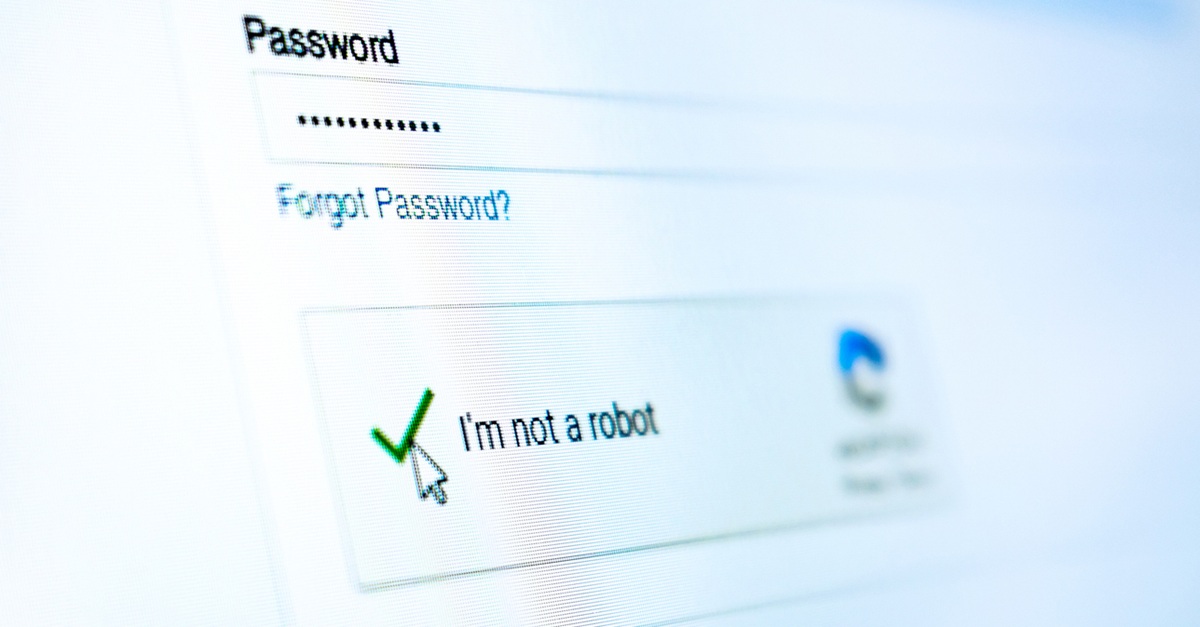
Fake CAPTCHAs are evolving into sophisticated, evasive tools that can profile potential victims and help deliver malware. Here is what organizations need to know.
Barracuda analysis found CAPTCHA abuse in 43% of the phishing-kit attacks examined during 2025.
The use of CAPTCHA is evolving from a simple stage in credential theft to enabling malware infection, browser notification abuse, or users executing malicious commands themselves (ClickFix).
Layered security, threat intelligence, and user awareness can help stop these attacks before they succeed
The evolution of CAPTCHA abuse
CAPTCHAs were introduced to distinguish between humans and bots. They are associated with security and trust when accessing accounts or services online. This is one of the reasons why cyber attackers incorporate them into phishing campaigns .
Example of a CAPTCHA check
A fake CAPTCHA tricks users into thinking that the webpage they are visiting has legitimate security controls. This encourages them to continue clicking, downloading, or entering sensitive information.
The fake CAPTCHA technique is now evolving beyond visual deception to become an active part of the attack infrastructure, helping attackers to identify real users, conceal malicious content from automated security tools, and determine what happens .
From fake verification to adaptive attack chains
A traditional CAPTCHA abuse attack may begin with an email claiming that a shared document, invoice, contract, or secure file requires review. When the recipient clicks the link and encounters a convincing CAPTCHA screen, they believe they are progressing through a normal security process. Some campaigns then redirect users to counterfeit Microsoft 365 login pages designed to harvest credentials.
Example of fake CAPTCHAs
In more evolved attacks, however, this step can trigger malware downloads or encourage users to enable browser notifications so attackers can continue delivering malicious content.
Increasingly, attackers also place CAPTCHAs between the initial link and the final malicious destination. Automated scanners, crawlers, and sandbox environments may be unable to complete the challenge, while a real user can proceed.
The pages may also adapt according to a visitor’s device, location, activity, or timing. Some appear only briefly or expire after being viewed, making them more difficult for security teams to investigate after an incident.
As before, however, CAPTCHA is not the payload. It is the gateway that makes the payload appear trustworthy while helping to keep it hidden.
ClickFix and the rise of self-inflicted infection
One of the most dangerous developments is the combination of fake CAPTCHAs with ClickFix techniques .
A user may be instructed to click a checkbox or “Verify” button that silently copies a malicious command to the clipboard. The page then tells the victim to open the Windows Run dialogue or another system tool, paste the concealed content, and press Enter.
An example of a fake CAPTCHA designed to trick users into executing commands
Instead of completing a verification process, the user unknowingly launches the malware infection. More aggressive variants can copy a command following a simple webpage interaction, or even mouse movement, keeping the malicious code out of sight.
Pages may imitate browser errors, failed document previews, meeting problems, or software-update notices before presenting apparently helpful recovery instructions. By creating a problem and then supplying the supposed solution, attackers pressure users into completing the malicious action themselves.
More convincing and personalized journeys
AI and no-code development tools are making it easier to create polished CAPTCHA pages, login screens, and complete phishing journeys. Attackers can personalize pages using information associated with the recipient or organization, dynamically adapting branding, language, and content so the interaction feels relevant.
Some campaigns build multi-brand trust chains rather than impersonating a single company. A victim might receive a document-sharing message, encounter a CAPTCHA, see an Adobe-style prompt, and finally reach a Microsoft sign-in page. Each familiar stage reinforces the credibility of the , making credential entry appear to be part of an ordinary business process.
Despite their polished appearance, the warning signs remain consistent. Legitimate CAPTCHAs do not ask users to run commands, install software, enable browser notifications, or provide passwords and one-time passcodes. They should not trigger unexpected downloads or demand urgent action to prevent account suspension or data loss.
Users should also examine website addresses for misspelled domains, unusual subdomains, or sites with no clear connection to the service being impersonated.
A CAPTCHA may indicate that a visitor is human, but it doesn’t confirm that the website is safe.
How to defend against CAPTCHA-based phishing
Users should evaluate the complete interaction rather than concentrating on the CAPTCHA itself. An unexpected challenge after clicking an email link should prompt them to pause, inspect the URL, and verify the source through a separate, trusted channel.
Organizations should train employees to recognize when verification moves beyond normal behavior. Users should never open system utilities, paste commands, download software, or enter credentials simply because a webpage instructs them to do so.
Multifactor authentication can reduce the impact of stolen passwords, while advanced email protection, URL analysis, endpoint security, and threat intelligence can help detect malicious messages and attack infrastructure. A layered approach remains the strongest defense.
How Barracuda protects customers
Barracuda uses a multilayered approach to detect phishing attacks involving fake CAPTCHAs, malicious redirects, credential-harvesting pages, and malware delivery.
Barracuda Advanced Threat Detection analyzes suspicious emails, URLs, attachments and content to identify known and emerging threats. Threat intelligence from Barracuda’s real-time system continuously tracks attacker infrastructure, domains, and evolving phishing techniques.
Barracuda security teams also analyze campaigns to identify new tactics and indicators of compromise. These insights inform detection rules and proactive protections, enabling Barracuda to adapt as attackers change their methods.
Poojitha B is a Threat Analysis Associate at Barracuda. She has four years' experience in cybersecurity, specializing in threat analysis, email security, and threat detection. She holds a Master of Science in Electronics and Communications and has experience investigating sophisticated threats, analyzing attack techniques, and supporting advanced threat protection to strengthen customer security. Her areas of interest include advanced cyber threats, threat identification, security analysis, and evolving attack techniques.
2026 Email Threats Report
Learn how AI and phishing-as-a-service are reshaping the email threat landscape and how to stay protected
The Managed XDR Global Threat Report
Key findings the tactics attackers use to target organizations and the security weak spots they try to exploit
The full story
This article is one source in a clustered incident — the cluster page carries the summary, timeline and every other outlet covering it.
