 Back Gbhackers
 Malicious CCleaner Installer Patches Chrome Security Extension to Deploy Browser Spyware
A counterfeit installer for the widely used PC-cleaning utility CCleaner is being used to compromise Windows systems and deploy a malicious Chrome extension dubbed GhostDesk.
CCleaner’s global popularity, with more than two billion downloads, gives attackers a credible pretext to target users searching for system-maintenance tools.
The observed infection chain begins at ccleanerwind[.]top , a website designed to closely resemble the legitimate CCleaner download portal.
Although the page presents both standard and CCleaner Pro download options, each button delivers the same weaponized executable.
The downloaded file uses the familiar CCleaner.exe name and icon, but its metadata reveals clear inconsistencies. Its internal name, svc_it7p , and original filename, rt_mxk.exe , do not correspond to legitimate CCleaner releases.
Analysts also identified similarly named samples following the patterns svc_ and rt_ .exe , suggesting a repeatable builder or distribution framework behind the activity.
Once launched, the trojanized installer drops a legitimate copy of Microsoft’s Windows Script Host component, cscript.exe , and abuses it to execute a multi-stage script chain.
The scripts perform reconnaissance by querying the registry for the system’s machine GUID, hostname, and supported languages. This data can help operators profile victims and avoid environments that may belong to researchers or automated sandboxes.
The malware then writes a malicious runtimebroker.dll to %AppData%\Microsoft\DriverStore\ , using it as a reflexive loader for follow-on components.
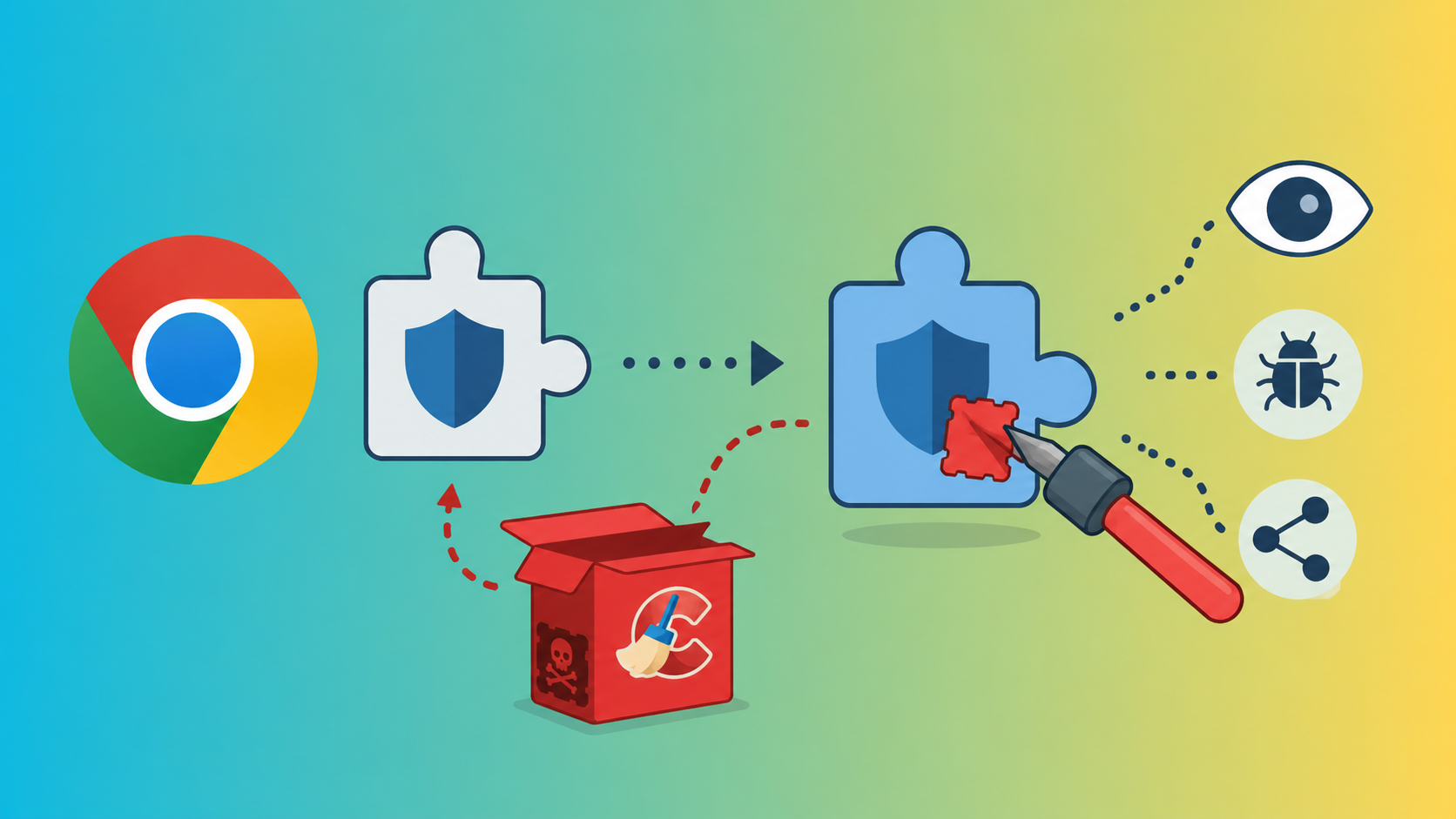
Its most concerning behavior is the modification of Chrome’s Security Extension manifest. By altering manifest.json , the malware adds a service worker named background.js and a content script named content.js , both stored under %LocalAppData%\cse .
This modification effectively turns Chrome’s own extension environment into a surveillance platform.
Malwarebytes Researchers said that , the campaign combines software impersonation, browser-extension tampering, credential theft, screenshot capture, and keylogging, demonstrating how trusted consumer software brands remain an effective lure for malware distribution.
When the browser starts, background.js executes silently, while content.js is injected into web pages to monitor user activity.
The components communicate through Chrome’s runtime messaging API, allowing the spyware to collect data in-page and relay it through the background process.
The content script functions as a browser-level man-in-the-middle. It records keystrokes entered into form fields, harvesting buffered input after a short period of inactivity or when the victim changes fields.
It also monitors POST requests and form submissions for credential-related terms, authentication tokens, and financial data.
Clipboard activity is monitored for cryptocurrency addresses, enabling the malware to replace pasted wallet strings with attacker-controlled values. In addition, the extension can inject scripts and replace page elements on selected websites.
The background component manages configuration and exfiltration. It opens a local WebSocket relay at 127.0.0.1:7345/ext , maintains persistence when Chrome starts, and transfers collected information to the attacker infrastructure.
The malware also establishes connectivity through 192.168.100.4:49727 before relaying traffic to liderongrade.duckdns[.]org:4444 .
Capabilities include cookie theft through chrome.cookies.getAll , active-tab screenshots using captureTab , and arbitrary JavaScript execution via chrome.scripting.executeScript .
The GhostDesk name appears to borrow legitimacy from benign screen-overlay software, potentially disguising its capture functions. However, its behavior is unambiguously malicious.
Defenders should block the identified domain and C2 infrastructure, hunt for the suspicious file paths and extension scripts, review Chrome extension manifests for unauthorized changes, and reset browser sessions for potentially exposed users.
Users should download CCleaner and other software only from verified publisher channels, carefully inspect domains, and treat results, social-media links, SMS messages, and email attachments as untrusted.
Endpoint security products should be updated to detect the fake installer, reportedly identified as Trojan.Dropper , while browser policies should restrict unauthorized extension installation.
Note: IP addresses and domains are intentionally defanged (e.g., [.] ) to prevent accidental resolution or hyperlinking. Re-fang only within controlled threat intelligence platforms such as MISP, VirusTotal, or your SIEM.
[Live Webinar] Join Elastic & UnderDefense to learn how small security teams can unify AI visibility and agentic response into one operating model. -> Register Now
Mayura Kathir is a cybersecurity reporter at GBHackers News, covering daily incidents including data breaches, malware attacks, cybercrime, vulnerabilities, zero-day exploits, and more.
Security researcher Nightmare-Eclipse, also known as Chaotic Eclipse, has released a new Windows privilege escalation…
Threat researchers have identified an active campaign exploiting the critical VMware vCenter vulnerability CVE-2026-59310, with…
The U.S. Cybersecurity and Infrastructure Security Agency (CISA) has identified a critical SQL injection vulnerability…
A Chrome Web Store operation that turns “free VPN” extensions into browser-wide traffic relays controlled…
Google Chrome has implemented enhanced defenses aimed at disrupting abusive web push notifications that are…
Corporate network access is becoming both cheaper to obtain at scale and vastly more valuable…
The full story
This article is one source in a clustered incident — the cluster page carries the summary, timeline and every other outlet covering it.
