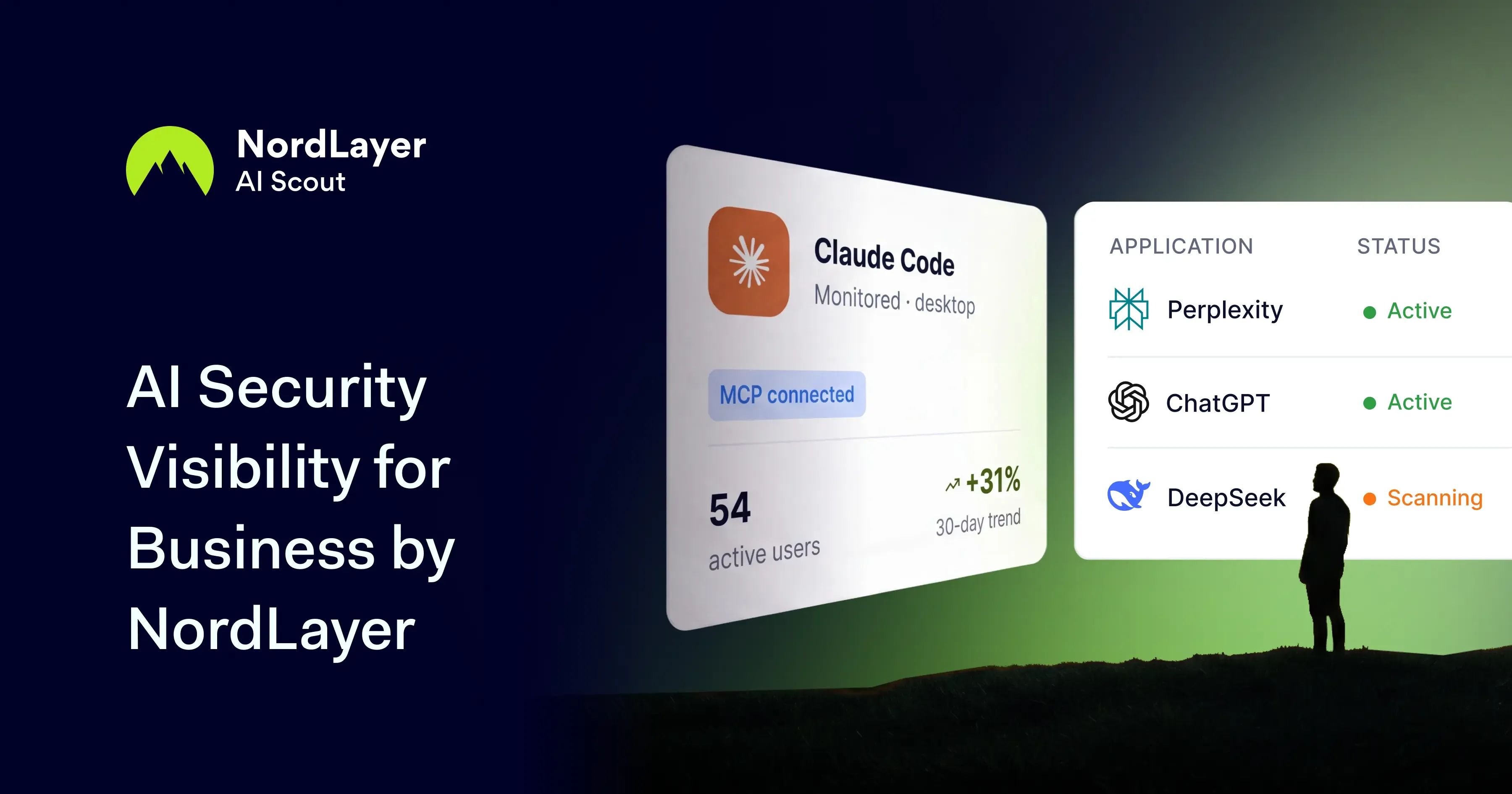
NordLayer AI Scout tracks what AI tools your teams use, alerts you when sensitive data appears in prompts, and helps you measure ROI and stay compliant.
Try every feature risk-free for 30 days
15,000+ businesses trust NordLayer to stay secure, compliant, and in control
The reality of AI adoption
88% of organizations regularly use AI in at least one business function, making secure adoption an increasingly urgent business priority (McKinsey’s “The State of AI in 2025”).
72% of enterprise generative AI users access these tools through personal accounts, limiting visibility into how AI is being used (Netskope’s Cloud and Threat Report: Generative AI 2025).
97% of organizations that were breached through AI models or applications lacked proper access controls, exposing a critical gap in AI security governance (IBM’s Cost of a Data Breach Report 2025).
See how employees use AI and turn insight into action
Employees paste source code into ChatGPT, conduct research with Claude, build software with Cursor, and analyze customer data with Copilot. Every single day. Yet, most IT teams can’t see which tools are being used or what’s being shared.
What AI tools are employees using?
Employees can introduce unapproved chatbots, coding assistants, and personal accounts into their daily work without security teams knowing which tools are in use or who uses them.
What are they sharing with AI?
Employees can copy and paste customer information, financial data, source code, API keys, and internal documents straight from company systems into AI prompts.
How widely is AI being adopted?
It’s difficult to determine which employees and teams are actively using AI, how frequently they’re using it, where adoption is growing, or whether purchased seats are actually being utilized.
See what your IT team has been missing
Understand how AI is used, protect sensitive data, and measure adoption
Bring together AI activity from web tools and desktop apps – including coding agents like Cursor and Claude Code – in one Control Panel. Give your security and IT teams the information they need to investigate risks, set policies, and guide adoption.
See what’s being used
Bring shadow AI into clear view across browser tools and desktop apps. See which tools employees use, who uses them, and what happens during AI interactions.
Protect the confidential data being shared
Detect customer information, source code, API keys, and other sensitive data in AI prompts and agent activity. In web tools, warn employees, redact sensitive information, or block risky prompts before they’re sent.
Make smarter AI investment decisions
Track AI use by employees, teams, apps, and departments across your organization. See where adoption is growing and whether paid licenses are being used, so future AI investment decisions are based on real activity.
AI ENGINEERING SECURITY
Secure your AI coding workflow
See how your engineering team use coding agents like Claude Code and Cursor. Detect source code, API keys, and secrets leaving in prompts, and set policies that let developers move fast without exposing your codebase or infrastructure.
AI GOVERNANCE & COMPLIANCE
Prove AI is used responsibly
Turn AI activity into the audit trail your compliance framework needs. Enforce acceptable-use policies, document how sensitive data is handled, and generate the evidence to meet GDPR, SOC 2, and emerging AI regulations.
One simple rollout. A clear view of AI use.
Create a token in the Control Panel and use it to connect employee devices to NordLayer AI Scout. You can add devices all at once or one at a time, as needed.
Capture AI activity in the background
The extension and desktop sensor begin capturing AI activity on the first run. Employees keep working as usual, with no new app, login, or workflow to manage.
Review AI use in one place
AI activity and security findings appear in the security dashboard, while company-wide usage trends appear in the adoption dashboard. Both views are limited to your organization.
Monitor AI use across the apps your team already uses
NordLayer’s browser extension covers web-based AI tools, while the desktop sensor covers installed apps and coding agents. When used together, they provide a clear view of all AI activity.
You’re paying for AI, but can you see the return?
See which teams use AI, how usage is growing, and whether paid licenses are actually being used. Make rollout, renewal, and expansion decisions with real adoption data – while governance and risk controls remain built in.
Try every feature risk-free for 30 days
The full story
This article is one source in a clustered incident — the cluster page carries the summary, timeline and every other outlet covering it.
