Threat intelligence API / integrations
Bash
Pull threat clusters, CVEs and IOC lists from the ThreatCluster threat-intelligence API in plain shell, using curl and jq. This page covers interactive use, a hardened script, and an hourly cron job that keeps a firewall blocklist current.
Prerequisites
- A free API key. Sign in and mint one under Settings → API. Free keys carry 100 credits a day, 30 requests a minute and a 7-day data window.
- Every request sends the key in the
X-API-Keyheader. - Base URL:
https://threatcluster.io/api/public/v1 curlandjqinstalled (sudo apt install jqon Debian and Ubuntu,brew install jqon macOS).
Setup
Keep the key in an environment variable instead of pasting it into scripts. Add this line to
~/.bashrcor~/.profile, then open a new shell:export TC_KEY="tc_live_your_key_here"
Test it. This lists the freshest threat clusters and prints the titles:
curl -s -H "X-API-Key: $TC_KEY" \
  "https://threatcluster.io/api/public/v1/threats?time_filter=24h&limit=2" \
  | jq -r '.threats[].ai_title'
# output
Mirage Kitten Targets Aviation and FinTech with New Cross-Platform Malware
Multiple Remote Code Execution Vulnerabilities Identified in Check Point Software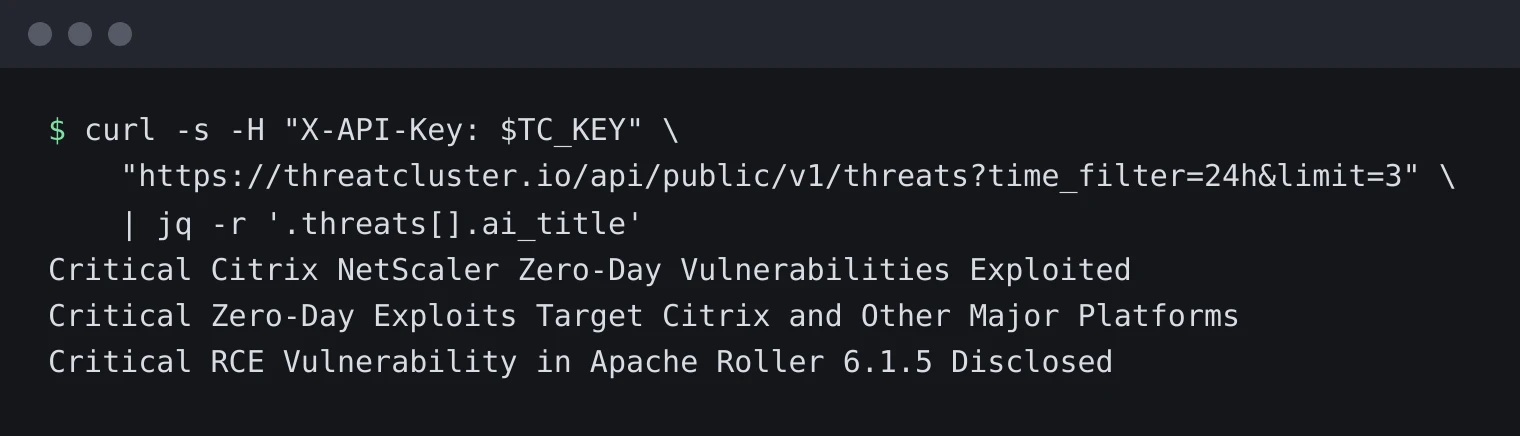
The same call with a limit of 3, run on 29 September 2026. For anything unattended, wrap the call in a script with strict mode and an atomic write. Save this as
/usr/local/bin/tc-ioc-pull.shandchmod +xit:#!/usr/bin/env bash set -euo pipefail TC_KEY="${TC_KEY:?TC_KEY is not set}" BASE="https://threatcluster.io/api/public/v1" OUT="/etc/firewall/threatcluster-blocklist.txt" tmp="$(mktemp)" trap 'rm -f "$tmp"' EXIT # -f exits non-zero on any 4xx or 5xx, so a failed pull never empties the list curl -sf --max-time 60 -H "X-API-Key: $TC_KEY" \ "$BASE/iocs/feed?format=txt&types=ip,domain&hours=24" > "$tmp" mv "$tmp" "$OUT"Run it hourly from cron.
crontab -e, then:TC_KEY=tc_live_your_key_here 17 * * * * /usr/local/bin/tc-ioc-pull.sh >> /var/log/tc-ioc-pull.log 2>&1
Cron notes: cron runs with a minimal
PATH, so call the script by absolute path. A literal%in a crontab line is treated as a newline, so keep URLs and query strings inside the script rather than in the crontab entry. TheTC_KEY=...line at the top of the crontab sets the variable for every job. Each feed pull costs 3 credits, so 24 pulls a day spends 72 of the 100-credit free budget.
Worked example
The feed endpoint returns 1 IOC per line in txt format, ready for a blocklist:
curl -s -H "X-API-Key: $TC_KEY" \
  "https://threatcluster.io/api/public/v1/iocs/feed?format=txt"
acrobatreaderonline.com
bookcheckarrival-gueststayhotel.com
browser-app.com
browsify.co
case-apple.com
ccleanerwind.top
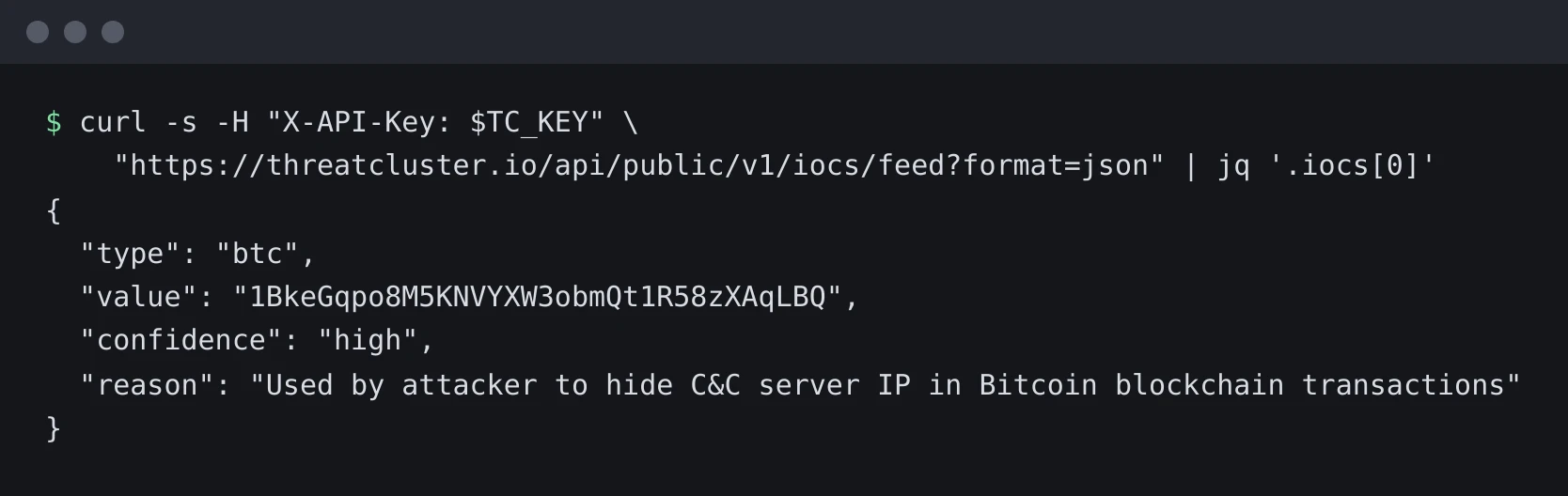
Switch to format=json when you want the confidence level and the reason each IOC was flagged:
curl -s -H "X-API-Key: $TC_KEY" \
  "https://threatcluster.io/api/public/v1/iocs/feed?format=json" | jq '.iocs[0]'
{
  "type": "domain",
  "value": "acrobatreaderonline.com",
  "confidence": "high",
  "reason": "Used as a malicious site impersonating Adobe Acrobat Reader."
} 
The tc CLI shortcut
The same data ships as a command. The CLI handles auth for you and prints clean JSON for jq:
pipx install threatcluster-cli
tc auth login
tc iocs feed --type hash --hours 168 > hashes.txt
tc threats list --limit 3 | jq '.threats[].ai_title'
Full command reference: CLI docs.
Costs and limits
Free keys spend a daily budget of 100 credits. Most GETs cost 1 credit; the IOC feed and export, STIX bundles, dark-web keyword hits and trends cost 3; /search costs 5; a dark-web victim enrichment record costs 10. The rate limit is 30 requests a minute and data goes back 7 days. A request that finds nothing refunds its credits and returns X-Request-Cost: 0.
Endpoint reference: /api/public/v1/docs. Bigger windows and budgets: /pricing.