 Back Hackread
Hackers Pushing Remote Access Tool Through Fake Adobe Acrobat Pages
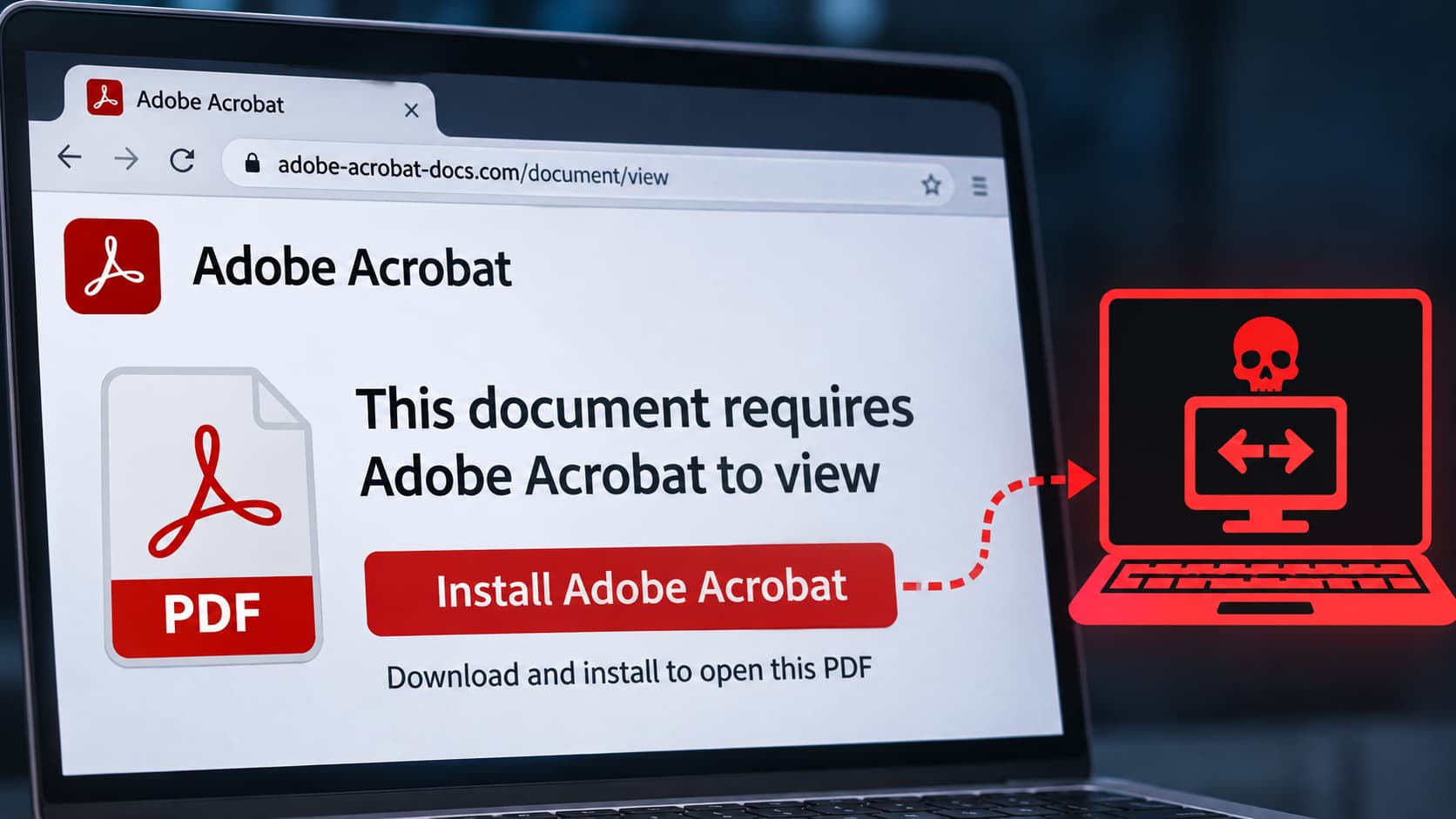
Cybersecurity researchers from CloudSEK have uncovered a malicious campaign that uses fake Adobe Acrobat and document-signing web pages to distribute legitimate ConnectWise ScreenConnect remote-access software.
In their research shared with Hackread.com, researchers found that attackers were abusing digitally signed installers configured to connect to unauthorized remote-access tenants, potentially giving external operators persistent access to Windows systems.
This is not the first time criminals have abused ScreenConnect. Hackread.com has previously reported on similar campaigns, including attacks using fake Social Security Administration emails and Word Online pages to distribute ScreenConnect.
However, the latest campaign takes a different approach, using genuine, digitally signed software with attacker-controlled configurations rather than modifying the original binaries.
Fake Pages and Screening Logic
The delivery pages present fake document-review prompts, including titles such as “View & Sign Form” and “Sign in to view document.” When visitors access these pages, scripts check their operating systems and device types, redirecting visitors who are not using Windows desktop systems.
The pages also collect public IP addresses, geolocation, browser, and ISP details before sending them to Telegram bots . They apply ISP-based restrictions that can prevent selected visitors from receiving the download. This filtering may help reduce exposure to automated security analysis, although CloudSEK could not establish its exact purpose.
Visitors who pass the checks automatically receive a ScreenConnect client. One Adobe-themed domain used in the campaign, clickksy.icu , was registered on October 2, 2026, and received a wildcard Let’s Encrypt certificate on the same day. Researchers could not directly retrieve the page because of a Cloudflare challenge.
Configuration and Persistent Access
According to CloudSEK’s report , the threat relies on preconfigured settings inside the installers rather than modified software. The company identified two genuine, digitally signed installers associated with separate ScreenConnect tenants, omydze and vvvzou.
Follow-up collection identified three additional tenant configurations: luminahealthturkey2, tfcconnection , and alunos1 . The signatures of those three additional clients were not independently verified.
The two Adobe-associated installers were configured to install ScreenConnect services that launch automatically at startup and run with LocalSystem privileges, according to CloudSEK’s static analysis. This could allow an external operator to maintain remote access to an infected computer.
Operators could then steal data, move across the network, or deploy extra software. CloudSEK noted that “valid vendor signatures do not make a remote-management client safe when it has been configured to connect to an unapproved tenant.”
Advice for Security Teams
CloudSEK has not confirmed any victim compromise or established who operates the infrastructure. The company advises organizations to look beyond file hashes and check their DNS and proxy logs for connections to unknown ScreenConnect servers.
Security teams should also check for unexpected ScreenConnect services on Windows machines and report suspicious tenant IDs to ConnectWise. Restricting ScreenConnect installations to approved tenants can also help prevent unauthorized remote access.
The full story
This article is one source in a clustered incident — the cluster page carries the summary, timeline and every other outlet covering it.