 Back Firstpost
 Is the Latest Windows Security Update Breaking System Scans? Here's What You Can Do
A Windows Defender issue is causing full, quick and offline scans to crash or fail for some Windows 11 users, potentially leaving systems vulnerable.
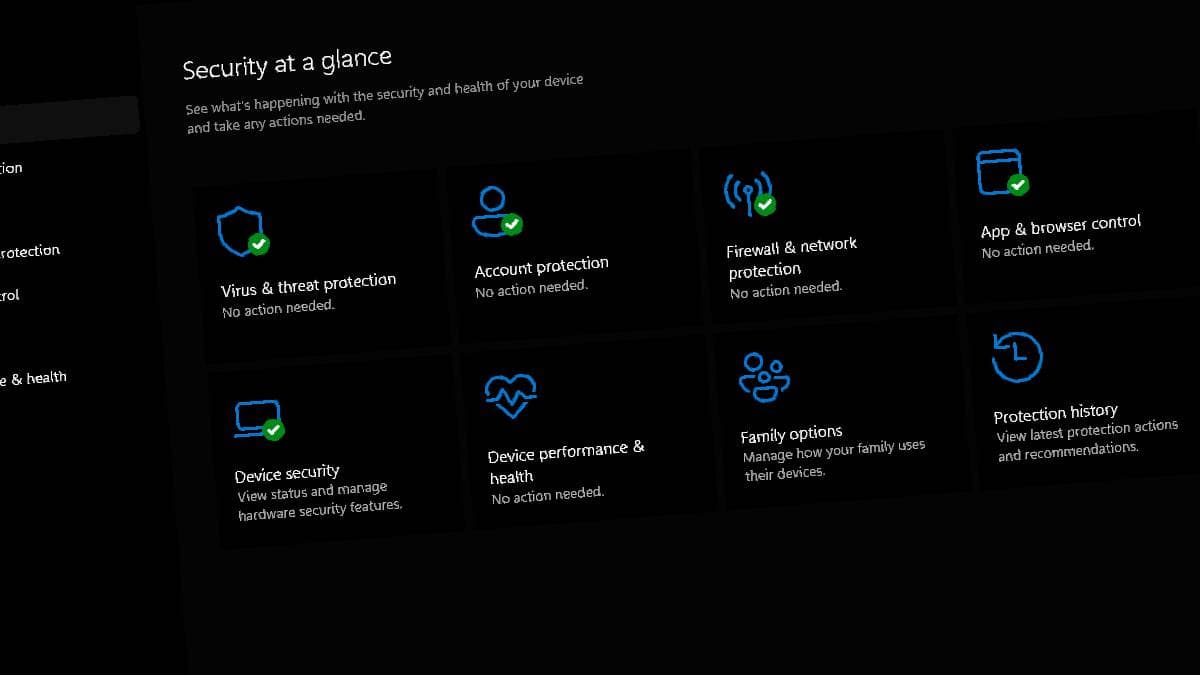
Windows 11’s built-in security tools are a well-equipped 360-degree firewall against viruses and other issues, but that only works if the tools are fully operational. An issue affecting some PCs has impacted the suite’s performance, leaving systems potentially vulnerable. The issue was flagged by a user, Huynh Jovi, as per Windows Central.
As per the report, both the full scan and the quick scan appear to have been affected by the issue. from users have also flagged the problem, saying that Windows Defender crashes a few seconds after attempting to perform a full or quick scan. Further detail that “offline scans reportedly stop at around 90-93% of completion.” The latest version of the Microsoft Safety Scanner is reportedly affected as well.
The exact cause of the issue has not been determined, though there are several suggested causes. The issue seems to be related to a Microsoft Security Intelligence update. Performing an upgrade to Security Intelligence Update v1.457.236.0 reportedly resolves the issue, according to users.
For users planning to check this, the latest update should be available for the Windows Security app or through Windows Update. The latest version should appear there. There’s a chance the issue appeared after Microsoft attempted to mitigate Shield Break, a zero-day vulnerability disclosed shortly after August's Patch Tuesday update.
Versions v1.1.26070.7 and v1.1.26080.2 of Defender are said to be affected by the issue when used with any of the following Microsoft Security Intelligence update versions:
Restoring to an older Microsoft Security Intelligence update also reportedly fixes the issue. Microsoft has not officially reacted to the issue. However, if you have been facing similar problems, you can try reverting to an older update version. Until then, users can also specifically scan individual folders or drives by clicking and selecting “Scan with Microsoft Defender.”
The full story
This article is one source in a clustered incident — the cluster page carries the summary, timeline and every other outlet covering it.
