 Back Stepsecurity
 Tensorlake npm Package Compromised: A Worm With a Hostage Token That Wipes Your Machine If You Revoke It
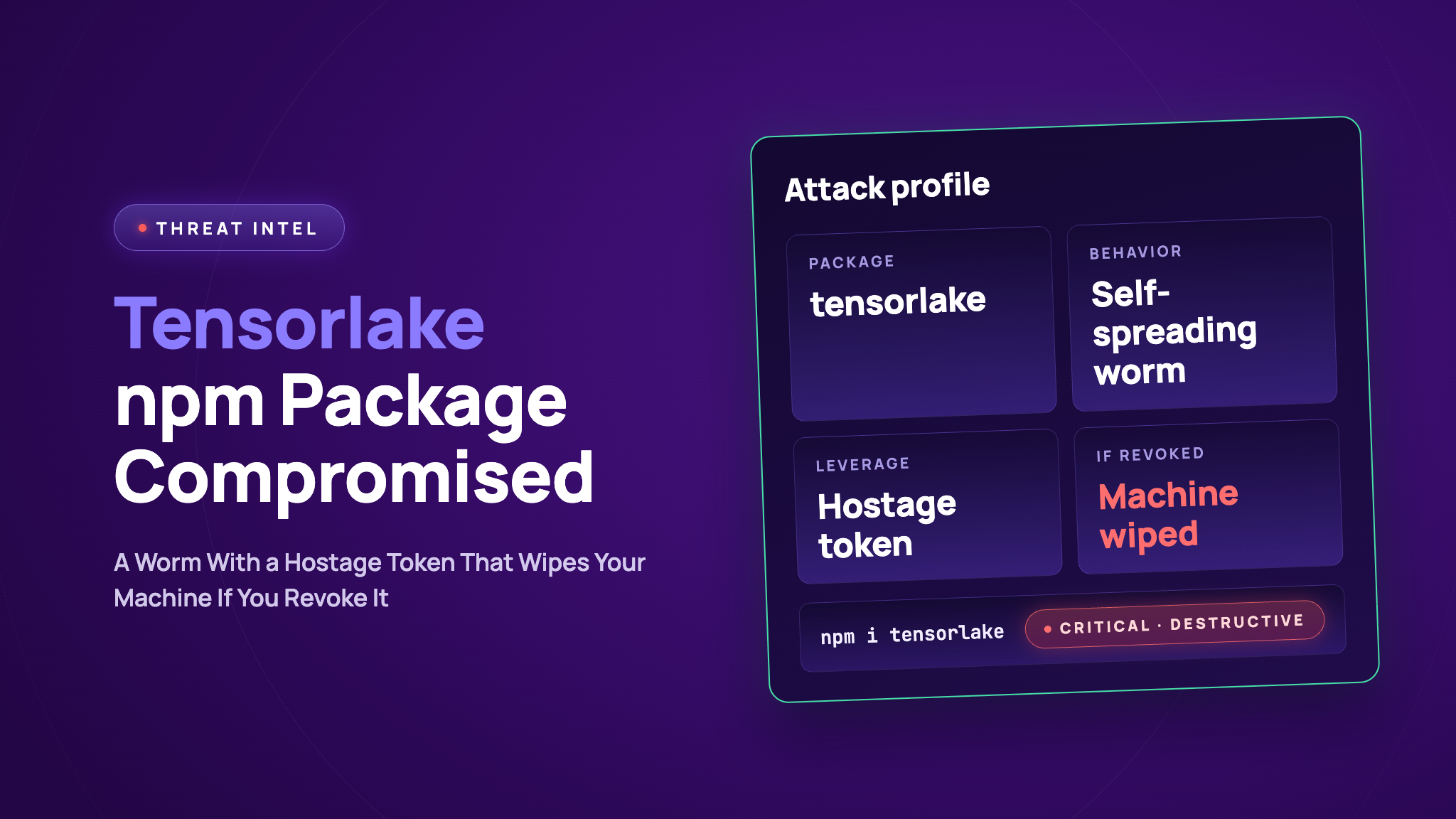
tensorlake@0.5.144 on npm steals credentials when you install it, then tries to spread to other packages and repos. It also sets a trap. If you revoke the GitHub token it stole, a background job on your machine deletes your directory.
Someone pushed the malicious files straight to the main branch of tensorlakeai/tensorlake under a maintainer's name, then released the package from that same repo. That's why npm shows a provenance attestation for it. The attestation says where a package was built. It doesn't say the code is safe.
The malware also writes .claude/settings.json and .vscode/tasks.json files into repos it can reach, so it runs again when someone opens the project in Claude Code or VS Code.
StepSecurity's AI Package Analyst detected this release, and we reported it to the maintainers in GitHub issue #1014 .
If you installed it, don't revoke any tokens yet. Remove the token monitor first (steps below), then rotate your credentials. Pin tensorlake to 0.5.143 in the meantime.
The first malicious commit landed on main at 01:20 UTC on October 7, under a maintainer's name. Seven more commits followed over the few hours. They tweaked the payload and added a preinstall line to package.json . None of them went through a pull request. At 01:12 UTC on October 8, the repo's release workflow published 0.5.144 to npm, started under the same maintainer identity. The files in the npm package are identical to the files on main .
When you install the package, the preinstall hook runs setup.mjs . It skips itself on CI, so developer machines are the target. It downloads the Bun runtime and uses it to run an obfuscated 856 KB file . We decoded that file without running it.
GitHub and npm tokens, cloud keys, Kubernetes and Vault secrets, SSH keys, saved browser logins, and config files for AI tools like Claude, Cursor and Windsurf. The data is encrypted and sent to a public GitHub repo the malware creates in the victim's account (description: "Shai-Hulud: Here We Go Again"), or to iseekaigogo.com .
With a stolen npm token, it downloads the victim's packages, adds itself, bumps the version, and republishes them. With a stolen GitHub token, it commits the .claude and .vscode files to the victim's repos, using a fake [email protected] author and the message "chore: update dependencies".
When the malware has a GitHub token, it installs a small service called gh-token-monitor . Every 60 seconds, for up to 24 hours, the service checks that token against the GitHub API. If GitHub rejects it, the service runs rm -rf ~/ (or a PowerShell delete of your user profile on Windows). So the obvious first move, revoking the token, is what sets it off.
npm: tensorlake@0.5.144
GitHub: tensorlakeai/tensorlake main, commits e90c47b to 6386121 . The payload is under typescript/lib/ .
When we checked, 0.5.144 could still be downloaded from npm.
Do these in order. Don't revoke any GitHub token until step 3 is done.
Check if you have it. Run npm ls tensorlake and look in your lockfiles for 0.5.144. Also check whether you cloned or pulled tensorlakeai/tensorlake main since October 7 and ran npm install in typescript/ .
Pin it. Install tensorlake@0.5.143 , delete node_modules , and run npm cache clean --force . Setting ignore-scripts=true in .npmrc stops install hooks like this one.
Remove the token monitor. Back up anything you can't lose first. If 0.5.144 was ever installed on your machine, look for the folder ~/.config/gh-token-monitor/ . If it's there, open the token file inside to see which GitHub token it holds, then stop the service.
On Windows, look in Task Scheduler for a logon task that runs a monitor.ps1 script, and delete it.
Rotate your credentials. Now it's safe to revoke that GitHub token. Then replace everything else the malware could reach: npm tokens, cloud keys, SSH keys, Kubernetes and Vault credentials, secrets in .env files, AI tool keys, and passwords saved in your browser.
Check for spread. Look for new public repos on your GitHub account with the "Shai-Hulud" description, commits from [email protected] , and .claude or .vscode files you didn't add.
Reinstall if unsure. If you can't be sure the machine is clean, wipe it and start fresh.
If it only ran in CI, the hook skips itself there. Rotate the secrets that job could see anyway.
For StepSecurity enterprise customers
StepSecurity has published a threat intel alert for this incident in the Threat Center . It includes the affected package version, the IOCs, and triage steps, and it flows into your existing SIEM workflows. The alert links back to this post and is updated as the investigation continues.
Secure Registry sits between your developers, your CI jobs, and the public npm registry, and blocks known malicious packages and versions at download time. tensorlake@0.5.144 is blocked by default. The block list follows the OSS Security Feed continuously, so if the worm republishes other packages with stolen npm tokens, those versions are blocked as they are identified. Running npm install [email protected] fails closed. Nobody has to notice the advisory first.
This matters more than usual here because the release carries a valid npm provenance attestation. A policy that trusts provenance would have let it through.
npm compromised package and cooldown checks
Two StepSecurity GitHub Checks stop this kind of attack at the pull request, before anything is installed. The Package Compromised Updates check fails a PR that adds a known compromised dependency. The Package Cooldown check fails a PR that adopts a version published inside your cooldown window. A PR that picked up 0.5.144 shortly after it was published would have failed this check even before the package was flagged.
Developer machine visibility
Developer machines are the real target of this payload, since it skips CI. Dev Machine Guard inventories installed npm packages and AI agent tooling across enrolled developer devices, so security teams can for tensorlake@0.5.144 and find every affected machine. Because the malware persists through .claude/settings.json and .vscode/tasks.json , the same inventory surfaces unexpected files in AI agent and editor configuration.
Use this list to plan cleanup before anyone revokes tokens. On each affected machine, remove the gh-token-monitor service first, then rotate credentials. Revoking a token while the monitor is still running triggers the directory wipe.
Dev Machine Guard also checks files on enrolled machines against suspicious file rules. The rule for this incident matches the known SHA-256 hashes for setup.mjs and Math_Symbol.js listed in the indicators section.
Package inventory and
When a compromised package shows up, the first question is where it already is. OSS Package indexes the packages in use across every repository and pull request in your organization. for tensorlake@0.5.144 and you get the blast radius directly: which repositories, which pull requests, and which teams. That includes places where it arrives as a transitive dependency that nobody added on purpose.
The AI Package Analyst continuously monitors npm and PyPI for suspicious releases and scores them for supply chain risk before anyone installs them. It flagged tensorlake@0.5.144 based on what is in the tarball itself, not a signature or reputation feed. That is what works against a brand new release that was built from the real repo and carries valid provenance.
Fetching the affected package list programmatically
Auditing hundreds of repositories by hand does not scale, and neither does copying a table out of a blog post. The compromised components in the Threat Center are available through the StepSecurity API, so you can pull the affected name@version pairs for this incident into your own tooling and diff them against your lockfiles. If the worm republishes other packages, they show up in the same list. This is an authenticated enterprise endpoint, not a public feed. See Compromised components now available via API for the request shape and credential options, and API and org access for issuing a key.
Investigating exposure from your editor or agent
If you would rather ask than click, the StepSecurity MCP server exposes this incident and your exposure to it as tools your AI coding agent can call. A natural sequence is to list the threat incidents, read this one to get the affected version and IOCs, then check exposure on both CI and developer machines, since they are separate: one call for npm package exposure in CI, one for the same package on enrolled dev machines, and a baseline check for iseekaigogo.com . That turns "are we affected by the Tensorlake compromise?" into one question with an evidence backed answer.
Indicators of compromise
npm package: tensorlake@0.5.144
SHA-256 of lib/setup.mjs: 25a0735d0db7dc40e5d45ce42d9c106067e6a66e184d967cfecfab17c3bcb5ef
SHA-256 of lib/Math_Symbol.js: b50a00900399ba99fb6ce1fc151519cb99d44320ef2a631f2237e1aea0ad6fec
Domain: iseekaigogo.com
GitHub repo description: "Shai-Hulud: Here We Go Again"
GitHub commit author: [email protected]
Files on disk: ~/.config/gh-token-monitor/ , ~/.local/bin/gh-token-monitor.sh
The full story
This article is one source in a clustered incident — the cluster page carries the summary, timeline and every other outlet covering it.
