 cybernews.com
 Fake Google Chrome App Misleads Users on Google Play Store
Article Content

- •A fake Google Chrome app was downloaded over 100,000 times before removal.
- •The counterfeit app was originally a game and rebranded to mislead users.
- •Users reported being redirected to an unrelated chat application instead of a browser.
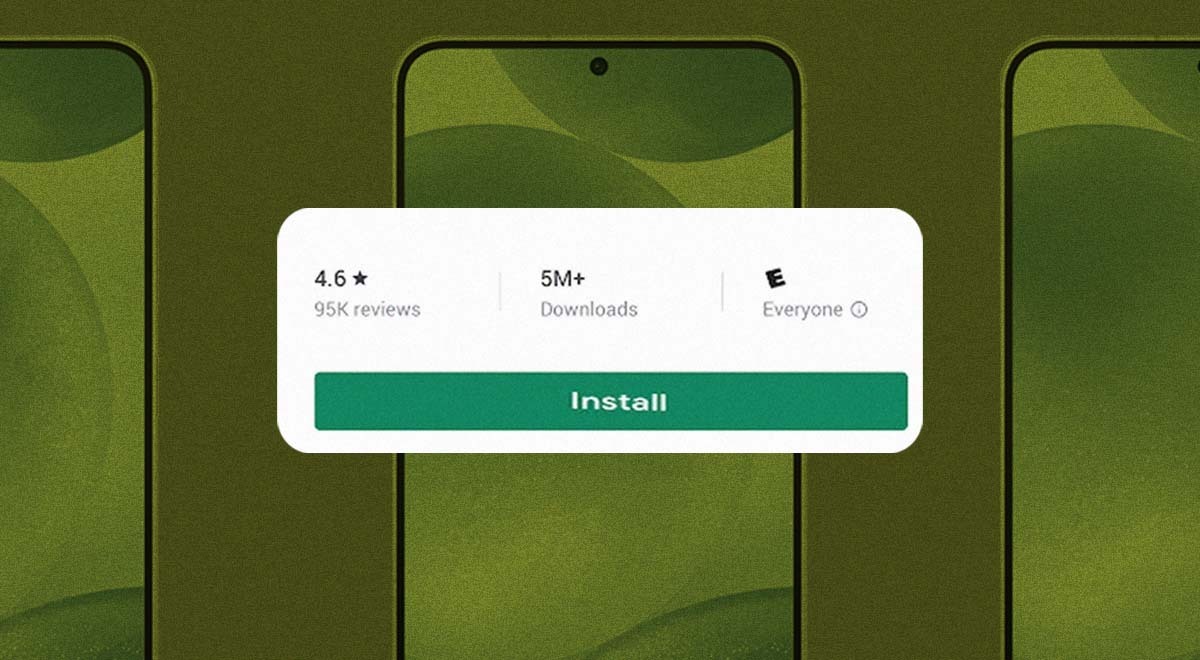
A counterfeit Google Chrome app was discovered on the Google Play Store, accumulating over 100,000 downloads before being removed. The app, originally a game named Ball Bounce, was rebranded to mimic the legitimate Chrome browser, making it difficult for users to distinguish between the two. Users who installed the fake app reported being redirected to an unrelated chat application instead of a functional browser. The incident highlights the risks of downloading apps from official stores without verifying the developer. Google quickly removed the fake listing after users raised concerns. The application had been available since August 2026, and its misleading branding has not been confirmed to contain malicious functionality. Users are advised to uninstall the fake app and run security scans.
Ask AI about this cluster
Answers cite the sources they use
Timeline
More articles in this cluster (2)
Common questions
How can I identify fake apps?
What should I do if I installed the fake app?
Is there a risk of malware with this fake app?
Continue Reading
 Critical Zero-Day Exploited in BeyondTrust Remote Support by China-linked Group A critical vulnerability in BeyondTrust Remote Support, tracked as CVE-2026-102764 with a CVSS score of 9.3, has been exploited by the China-linked espionage group Armory Castle since August 29, 2026. This flaw allows unauthenticated remote attackers to perform file operations, gaining root control and access to…
  Silent Lynx Targets CIS Governments via WinRAR Exploit The threat actor Silent Lynx has launched a series of attacks against government organizations in the Commonwealth of Independent States (CIS) from June 2025 to August 2026. These attacks exploit a vulnerability in WinRAR (CVE-2025-8088) to deploy reverse shells, including FoalShell and PickleShell, facilitating…