 Back Itsecurityguru
 Power BI phishing campaign drops rogue ScreenConnect clients
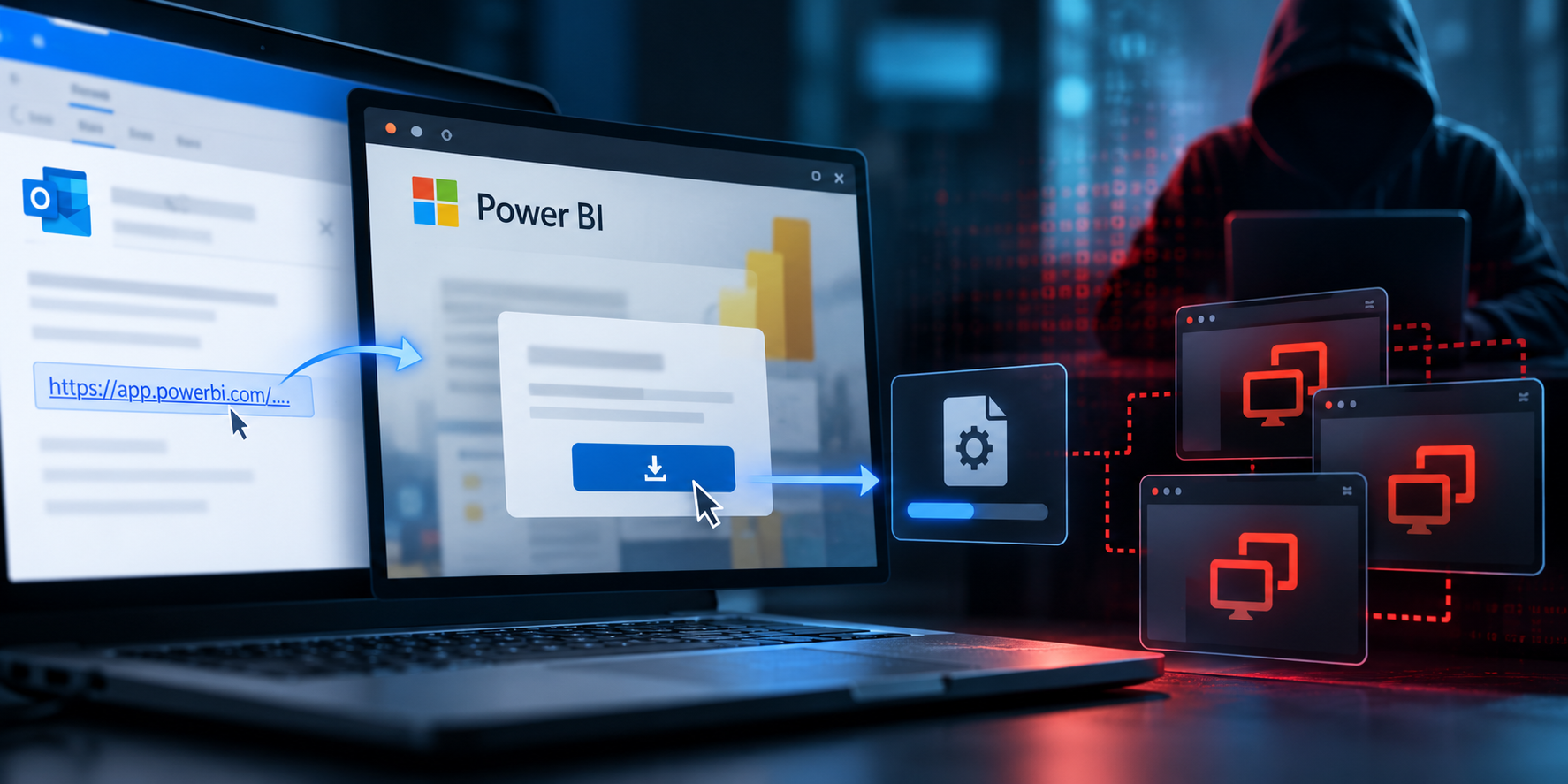
Attackers are abusing Microsoft Power BI to host phishing lures that slip past email security, before dropping multiple rogue ScreenConnect clients on victims’ machines to secure persistent remote access, according to new research from Huntress .
The campaign, first observed on 10 September, uses public Power BI dashboards on Microsoft’s legitimate app.powerbi.com domain as the landing page for Outlook phishing emails. Because the link resolves to a trusted Microsoft service, it can bypass Microsoft 365 mail filtering and other secure email gateways that allow-list the domain.
Huntress observed the campaign hit a handful of endpoints using the same delivery method and infrastructure. A retroactive threat hunt then found that the ScreenConnect client and configuration tied to one of the rogue RMMs had also affected 22 other endpoints across separate incidents.
Fingerprinting before the payload
Victims land on a blurred fake form inviting them to “Download Reference”. Clicking the button opens a new tab to an attacker-controlled site, including dailylifeproject[.]site, burnsworth[.]site, essaywritingservice[.]site and openpediatrics[.]site.
These pages fingerprint the visitor’s operating system, browser, screen size, user-agent, automation indicators and cloud-provider cookies, with one variant restricting access to Windows desktops and filtering out Microsoft and unknown ISPs. Visitors who fail the checks are redirected away, a classic technique for keeping scanners and researchers from reaching the payload. The malware sends victim telemetry, including IP address and geolocation, to the operators via a hardcoded Telegram bot.
After a few seconds, a script programmatically clicks a hidden link to download a ScreenConnect installer, while the page tells the user their “Reference Verification Form” has downloaded successfully. The installer is pulled from the same ScreenConnect tenant across campaign variants, with only the guest-access token changing (observed values include ILEAYEASAN, PERFECTO and PAPASUPE), suggesting per-lure tracking.
Two RMMs are better than one
Rather than relying on a single foothold, the attackers deploy a second rogue ScreenConnect client connected to separate infrastructure (onthegotree[.]site). In one incident, a CMD file launched a PowerShell script, SCAutoFix.ps1, which installed the second client and then uninstalled the first, likely to evade detection.
Huntress also observed the execution of HideUL_x64.exe, assessed as a defence evasion tool designed to conceal activity from users and security software, and a scheduled task, SCAutoRepairEvery2Min, configured to re-run the script every two minutes. The Huntress SOC shut down the attack at this point.
Recommendations for defenders
Huntress advises organisations to:
Review phishing protections and user-reporting workflows for links hosted on trusted cloud services, particularly those that lead to downloads.
Monitor for new or unexpected ScreenConnect installations and connections to unapproved ScreenConnect instances.
Alert on scheduled tasks or scripts associated with remote access tools.
Restrict remote management software to approved instances and investigate endpoints with multiple RMM clients installed.
Full technical analysis and indicators of compromise are available on the Huntress blog:
The full story
This article is one source in a clustered incident — the cluster page carries the summary, timeline and every other outlet covering it.
