One topic, everything about it
Smart Topics auto-group related clusters by shared entities, so analysts jump straight to "what's happening with Russia this week", not thirty unrelated ransomware headlines.
Clusters of clusters
ThreatCluster already groups related articles into clusters. Smart Topics go one level higher and group related clusters, by the entities they share, the actors they involve, the regions and sectors they touch.
The result is a row of pills above the feed that cuts the timeline by storyline. Click "Russian energy sector targeting", see every cluster that fits, in time order, with a short description of why those clusters belong together.
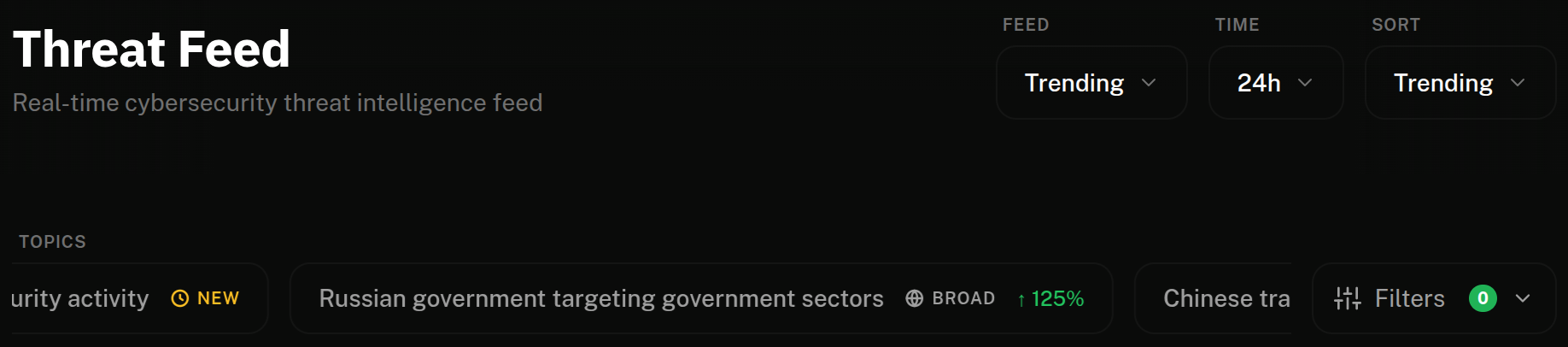
Generated by the platform, named by AI
Smart Topics aren't a static taxonomy. The platform looks at recent clusters, finds groups that share enough entities to be the same broader story, and promotes them to a topic with a descriptive name.
New stories get new topics as they form. Topics that go quiet roll off. Static themes, "Russia", "Ransomware", "Zero-days", sit alongside as an always-on baseline; auto-detected topics are the week's narrative on top.
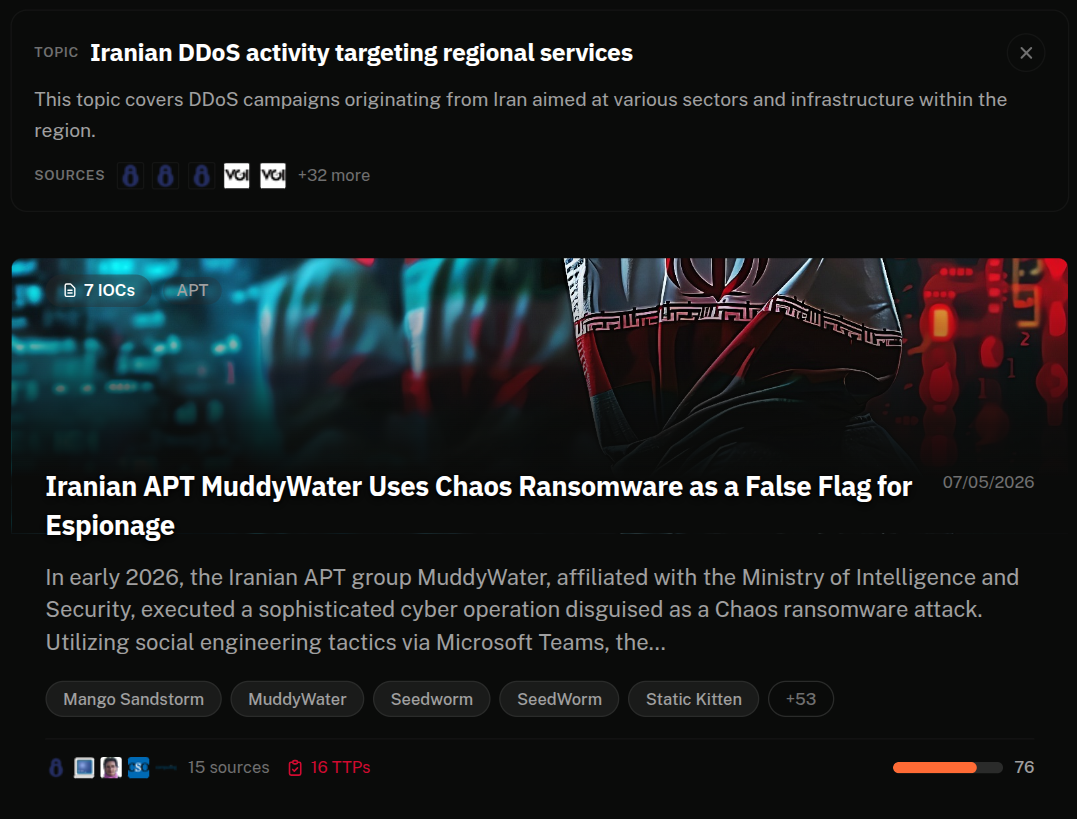
Badges tell you why a topic is there
Every pill carries the minimum metadata an analyst needs to triage at a glance, is this a story that's actually moving, or has it been sitting on the dashboard for a month?
Topics with declining velocity (current week below previous week) are filtered out of the ticker entirely. The pill row is reserved for stories with momentum.
- Trending
- Detected in both the 7-day and 30-day windows. Active baseline with fresh coverage.
- New
- Detected in the 7-day window but not 30-day. Something just broke.
- Broad
- 50+ distinct sources reporting. Not a single-outlet scoop.
- Velocity %
- Cluster mentions this week vs the prior week.
Click a topic, lead with context
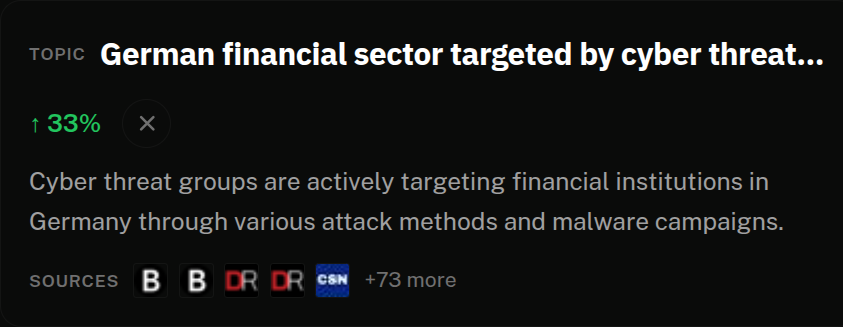
Pick a topic and the feed reorganises around it. The first thing you see isn't a card, it's a short context strip: the topic's description, its source coverage (favicons of the outlets reporting it), and the same velocity % from the pill so the momentum is still in view.
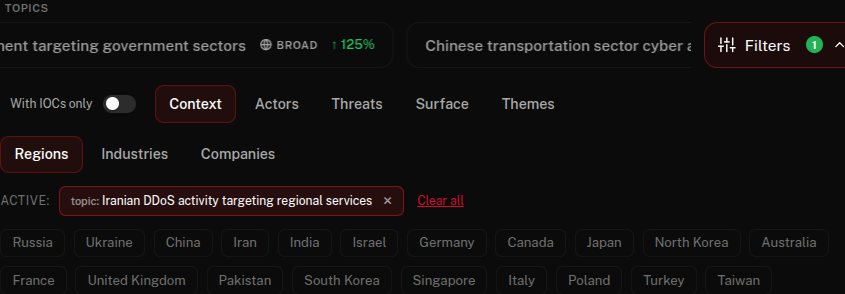
Then the filtered feed underneath, in time order, with everything else, the entity filters, the view-mode toggle, the time window, still working on top of the topic cut.
What's moving, not just what's worst
A morning scan of the feed isn't usually "what's the worst CVE today?", it's "what's moving today?" Threat actors don't drop a single article; they run campaigns that surface across thirty outlets over a week. Smart Topics surface those campaigns as a single click.
For analysts on rotation, it's a five-minute briefing. For MSSPs reporting up, it's the headlines for the executive summary. For researchers tracking a theatre, it's a saved filter that updates itself.
More of the platform
- Real-time Clustering
- Thirty articles, one cluster.
- Entity Intelligence
- Profile every actor, malware, CVE.
- Custom Feeds
- Only the clusters that touch what you track.
- Dark Web Monitoring
- In-house collection across leak sites and forums.
- ThreatCluster AI
- Investigation assistant with inline citations.
Smart Topics FAQ
What is a Smart Topic?
A cluster of clusters. Where a cluster groups the sources covering one incident, a topic groups the clusters that make up one campaign or storyline, generated by the platform and named by AI.
How is a topic different from a cluster?
A cluster is a single incident. A topic is the campaign above it: the thirty clusters across a week that belong to the same story, surfaced as one click.
What do the topic badges mean?
Badges tell you why a topic is on the ticker: velocity, breadth of coverage and recency. Topics whose velocity is declining are filtered out of the ticker entirely, so what you see is what is moving now.
How are topics named?
AI names each topic from the clusters it contains. Static themes such as 'Russia', 'Ransomware' and 'Zero-days' sit alongside the auto-detected ones as an always-on baseline.
Who is this for?
Analysts on rotation get a five-minute briefing, MSSPs get executive-summary headlines, and researchers get a self-updating saved filter for a theatre they track.
Stop scrolling. Click the storyline
Smart Topics are live on the feed right now, the pill row scrolls above every cluster. Free to open, refreshes continuously.